Custom Software vs Off-the-Shelf: What Should You Buy or Build?
16 min read
On this page
- What is the difference between custom and off-the-shelf software?
- Off-the-shelf software examples you probably already use
- Custom software examples
- Custom software vs off-the-shelf: side-by-side comparison
- When off-the-shelf software is the right choice
- Things you should almost never build
- When custom software is worth it
- Two examples from our own work
- The third option most businesses miss: buy, then connect or extend
- Is custom software cheaper than off-the-shelf? The real cost comparison
- What you pay with off-the-shelf software
- What you pay with custom software
- The Pakistan factor: dollar billing
- A simple 36-month worksheet
- Pakistan-specific checks before you buy any software
- Who owns what: code, data and the exit plan
- If you buy off-the-shelf
- If you build custom
- The 7-question build or buy test
- Frequently asked questions
- What is an example of off-the-shelf software?
- Is custom software better than off-the-shelf?
- Is custom software cheaper than off-the-shelf in the long run?
- Can off-the-shelf software be customised?
- How long does custom software take to build?
- Should a small business in Pakistan build custom software?
- Not sure which way to go?
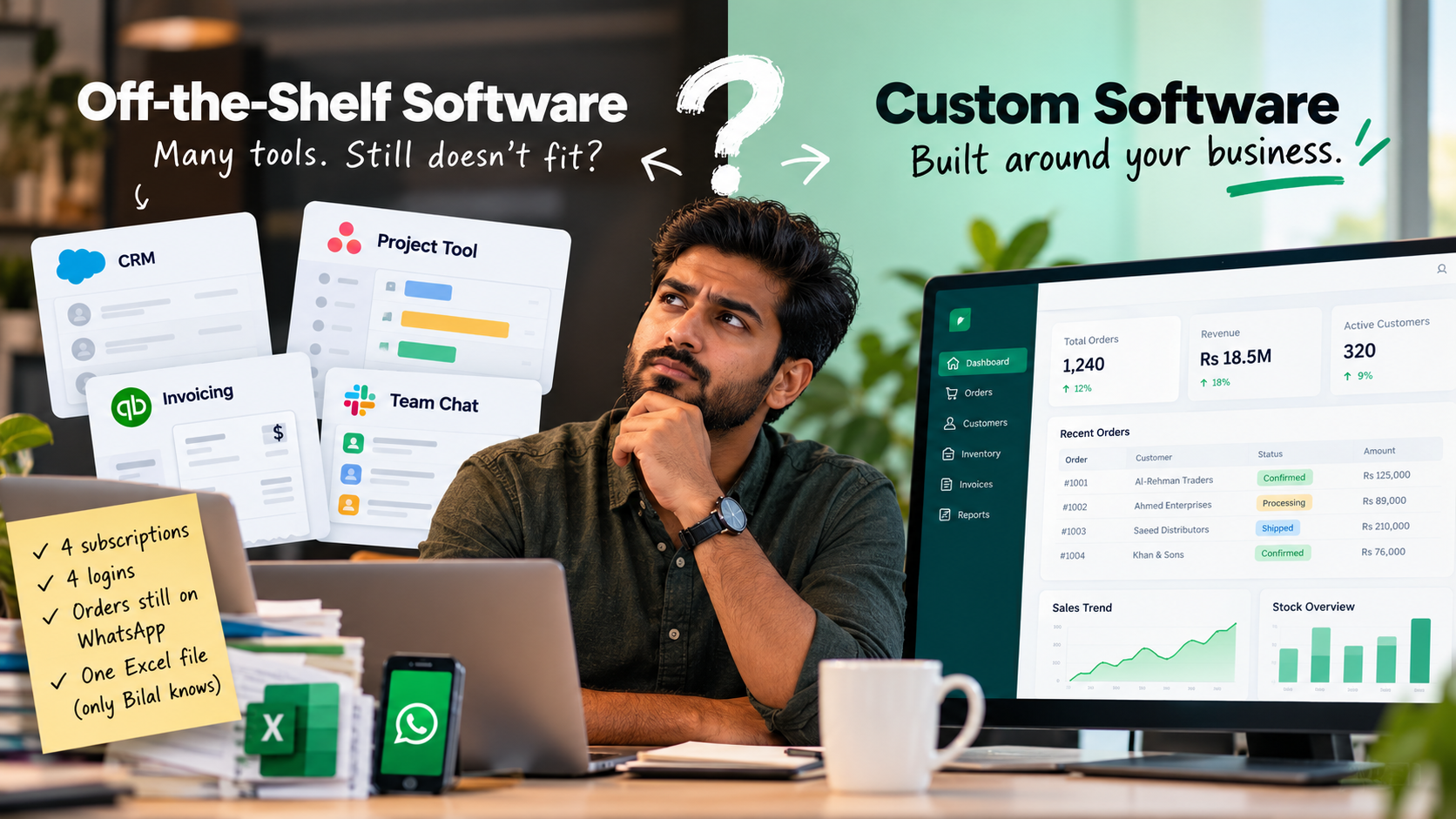
You pay for a CRM. You pay for a project tool. You pay for an invoicing app and a team chat app. Four subscriptions, four logins, and your orders still run through WhatsApp and one Excel file that only Bilal understands. None of the tools is bad. None of them fits the way your business actually works.
So the question lands: should you keep buying software, or get something built?
Here is the short answer. Buy off-the-shelf software for work that every business does the same way. Build custom software only for the part of your business that is genuinely different, the part that wins you customers. For most Pakistani businesses, the right answer is a mix, and this guide shows you how to find the line.
What is the difference between custom and off-the-shelf software?
Off-the-shelf software is one product sold to thousands of businesses, ready to use the day you sign up. Custom software is built for one business, around its own processes, data and rules. With off-the-shelf, you adapt your business to the software. With custom, the software adapts to your business.
That single difference drives everything else: cost, speed, fit and who controls the roadmap.
Off-the-shelf software examples you probably already use
- Google Workspace or Microsoft 365 for email and documents
- QuickBooks or Zoho Books for accounting
- Shopify for an online store
- Zoom or Google Meet for video calls
You did not need anyone to build these. You signed up, paid, and started working. That is the whole appeal.
Custom software examples
- A customer portal where your clients track orders, download invoices and raise requests
- A dealer ordering portal where distributors place stock orders against their own credit limits
- An internal admin dashboard that pulls sales, stock and cash into one screen
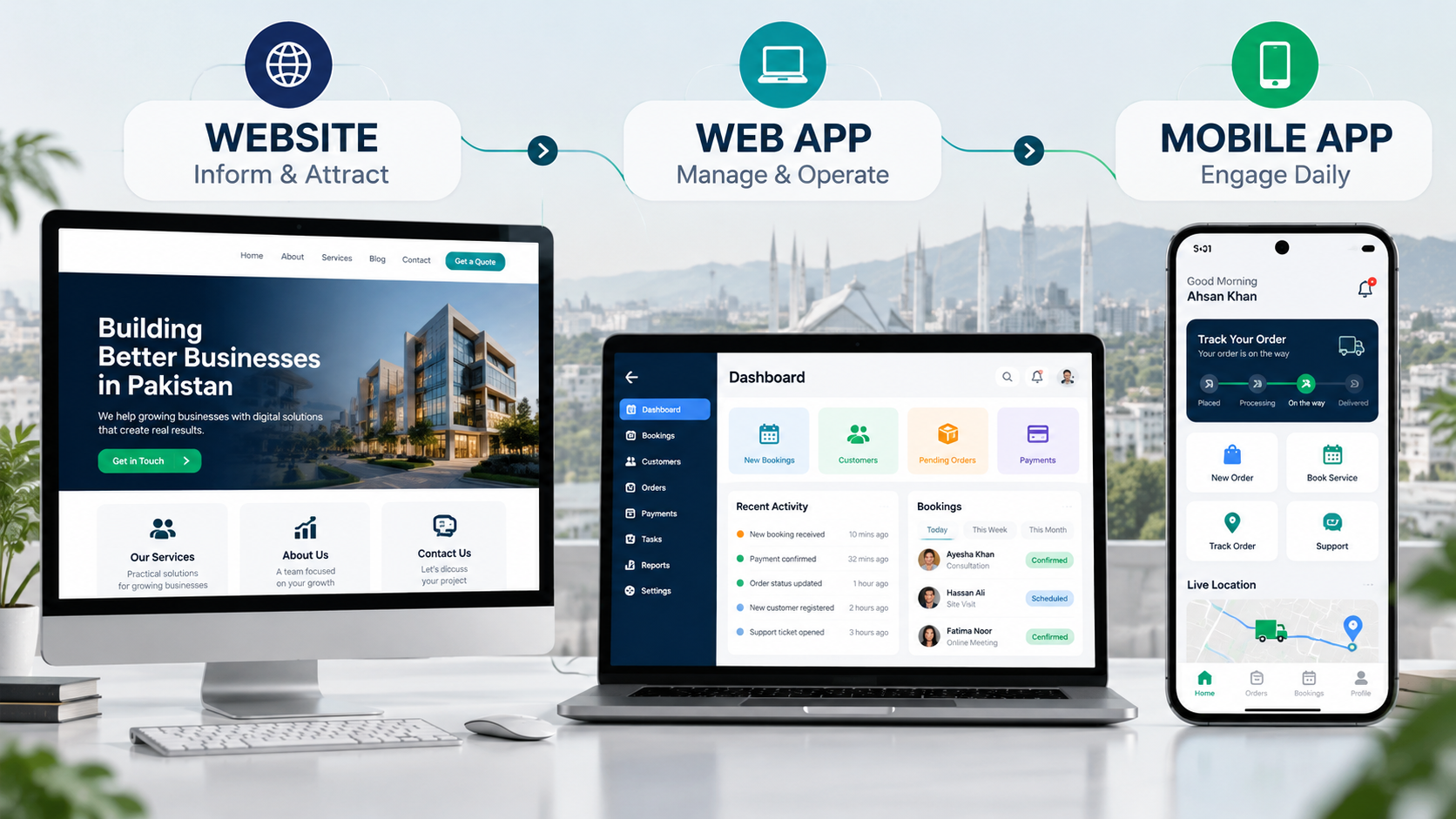
No vendor sells these exactly the way your business needs them, because they depend on your pricing rules, your approval chain and your customers. If you are not sure whether you even need an app or just a better website, start with our breakdown of website, web app or mobile app. And if you already know you want to build, our step-by-step guide to building a web app covers the full process.
Custom software vs off-the-shelf: side-by-side comparison
Off-the-shelf software wins on upfront cost, speed and vendor support. Custom software wins on fit, integrations, local needs and ownership. Neither wins on every row, which is why the decision should be made row by row for each part of your business, not once for the whole company.
|
Factor |
Off-the-shelf software |
Custom software |
|---|---|---|
|
Upfront cost |
Low: a subscription or licence |
Higher: you pay for discovery, design and build |
|
Ongoing cost |
Rises with users, add-ons and plan upgrades |
Hosting and maintenance, no per-user fee |
|
Time to start |
Same day to a few weeks |
Weeks to months, depending on scope |
|
Fit to your process |
You change your process to match the tool |
The tool matches your process |
|
Integrations |
Whatever the vendor supports |
Built for the systems you actually use |
|
Local payments and language |
Often missing JazzCash, Easypaisa or Urdu |
Added as needed |
|
Ownership of code and data |
Vendor owns the code; your data sits on their servers |
You own the code and choose where data lives |
|
Updates and support |
Vendor handles them, on the vendor's schedule |
Your development partner handles them, on yours |
|
If it stops working for you |
Export your data and switch, if export is allowed |
Hand the code to another developer |
The same comparison applies to specific systems, with extra detail. We have covered the same decision for ERP and custom vs ready-made CRM separately, so this guide stays on the general question.
When off-the-shelf software is the right choice
Off-the-shelf software is the right choice when the work is standard, the tool covers most of what you need without workarounds, and you need it running this month. If your team can do the job inside the tool with small adjustments, those adjustments will almost always cost less than a build.
Go with off-the-shelf when:
- The process is the same everywhere. Payroll, email and bookkeeping work roughly the same in a Karachi trading company and a Lahore clinic.
- You need it quickly. A sign-up takes a day. A build takes weeks at the very least.
- Your budget is tight right now. A monthly fee is easier on cash flow than a one-time project.
- You are still figuring out how you work. Using a ready-made tool for six months teaches you exactly what you would want in a custom one later.
- Compliance is built in. Mature accounting and payroll tools have already solved the edge cases you would otherwise pay to rediscover.
Things you should almost never build
We build custom software for a living, and we still tell clients not to build these:
- Email and calendars. Google Workspace and Microsoft 365 are cheap and reliable.
- Accounting and bookkeeping. Ledgers, tax handling and reconciliation have hundreds of edge cases that tested products already handle.
- Payroll. Same reason, with more legal risk if something goes wrong.
- Video calls and team chat. You cannot out-build Zoom or Google Meet, and you should not try.
- A basic online store. If you sell standard products with standard checkout, Shopify or WooCommerce will do the job.
If your software problem is on this list, stop here and buy. Custom software belongs somewhere else in your business.
When custom software is worth it
Custom software is worth it when the process you want to support is how your business competes, when your team spends hours every week working around the tools you pay for, or when stacking subscriptions costs more each year than owning one system. If none of those is true, keep buying.
The signals we look for before recommending a build:
- Your process is your edge. Your pricing logic, approval chain or service flow is the reason customers pick you over the shop next door. Forcing it into a generic tool flattens what makes you different.
- Your staff live in workarounds. The tool handles 70% of the job, and the rest happens in Excel, on WhatsApp, or in someone's head.
- You pay for four or more tools that do not talk to each other. Somebody copies data between them every day, and mistakes creep in.
- Per-user fees grow faster than your revenue. Every new hire adds another seat to every subscription.
- Local needs are unmet. You need Urdu or Roman Urdu screens, JazzCash or Easypaisa, or something that works on a cheap Android phone with patchy internet.
Two examples from our own work
Agency OS. A 20-person agency was paying for Slack, Zoom, cloud storage, team monitoring, client portals and ClickUp. Yes, that includes chat and video calls, which we just told you never to build. The difference is that no single tool was the problem. The stack was. We replaced all of it with one platform, and the agency stopped paying roughly $1,500 a month in subscriptions. You can see how Agency OS replaced a stack of subscriptions in the case study.
Restaurant POS. Most point-of-sale products assume a trained cashier, an English menu and a steady connection. Dhabas, takeaway counters and small cafes often have none of those. So we built a POS for dhabas and small cafes with bilingual, photo-led ordering, a kitchen screen as standard, billing that keeps working through an outage, and an assistant that answers the owner's questions in Urdu over WhatsApp.
In both cases, the build made sense because off-the-shelf tools were not just imperfect. They were forcing the business to work against itself. When that is your situation, our team handles custom web app development from scoping to launch.
The third option most businesses miss: buy, then connect or extend
You do not have to pick one side for the whole business. The middle path is to buy the standard tools, connect them with automation so data moves on its own, and build one small custom piece only where the bought tools fall short. For most small and mid-sized Pakistani businesses, this is where the right answer sits.
In practice, it looks like this:
- Buy accounting, email and your online store.
- Connect them with an automation tool, so a Shopify order creates an invoice and a WhatsApp alert without anyone copying data. If you are choosing a tool for this, start by comparing n8n, Zapier and Make.
- Build only the missing layer: a customer portal, a dealer ordering screen or a management dashboard that reads from the tools you already pay for.
This is also where the market is moving. In Retool's 2026 Build vs Buy report, 35% of the 817 teams surveyed had already replaced at least one SaaS tool with something they built, and 78% planned to build more in 2026. The tools they replaced most were workflow automations (35%) and internal admin tools (33%), not accounting or email. Keep in mind that Retool sells tools for building software and surveyed its own users, so read those numbers as the high end.
The practical point still holds. AI-assisted development has made small custom tools faster and cheaper to build than they were even two years ago, which makes "buy the core, build the gap" a realistic plan for businesses that could never justify a full custom system.
Is custom software cheaper than off-the-shelf? The real cost comparison
Off-the-shelf software is cheaper to start, and custom software is often cheaper to own once a team grows, but only a three-year comparison tells you which is true for you. Comparing one month's subscription against a development quote is the most common mistake, because it compares a first instalment against a full price.
What you pay with off-the-shelf software
- The monthly or yearly subscription
- Per-user fees, multiplied by every person who needs a login
- Add-ons and higher plans for features the basic plan leaves out
- Setup, data migration and training, often by a paid partner
- Integration tools to connect it with your other software
What you pay with custom software
- Discovery and design, before any code is written
- The build itself
- Hosting, which is usually modest for a business app
- Maintenance: bug fixes, security updates and small changes every year
- New features, when you decide you want them
We keep actual rupee figures in one place so they stay current. For build and running costs in PKR, see what a web app costs in Pakistan.
The Pakistan factor: dollar billing
Most popular business tools bill in US dollars, charged to an international card. That means your software bill moves with the exchange rate, even when the vendor never raises its price. There was some relief this year: the Finance Bill 2026 cut the advance tax on foreign payments made by debit, credit and prepaid cards from 5% to 0.5% from 1 July 2026. The tax is smaller now, but the currency risk is still yours. A custom system billed in rupees by a local team does not carry that risk.
A simple 36-month worksheet
Run this before you sign anything:
- Off-the-shelf total: number of users × monthly price per user × 36, plus add-ons, plus setup.
- Custom total: one-time build cost, plus 3 years of hosting and maintenance.
- Hidden cost on both sides: hours your team spends on workarounds each week × 156 weeks.
If the off-the-shelf total stays well below the custom total, buy. If the two are close and your team is growing, custom deserves a serious look. Do not forget line three. It is usually the largest number, and nobody puts it in a quote.
Pakistan-specific checks before you buy any software
Most software comparisons are written for businesses in the US or Europe, so they skip the questions that decide whether a tool works in Pakistan. Before you commit to any off-the-shelf product, test it against the checks below. Each "no" is either a workaround you will live with or a reason to build that piece yourself.
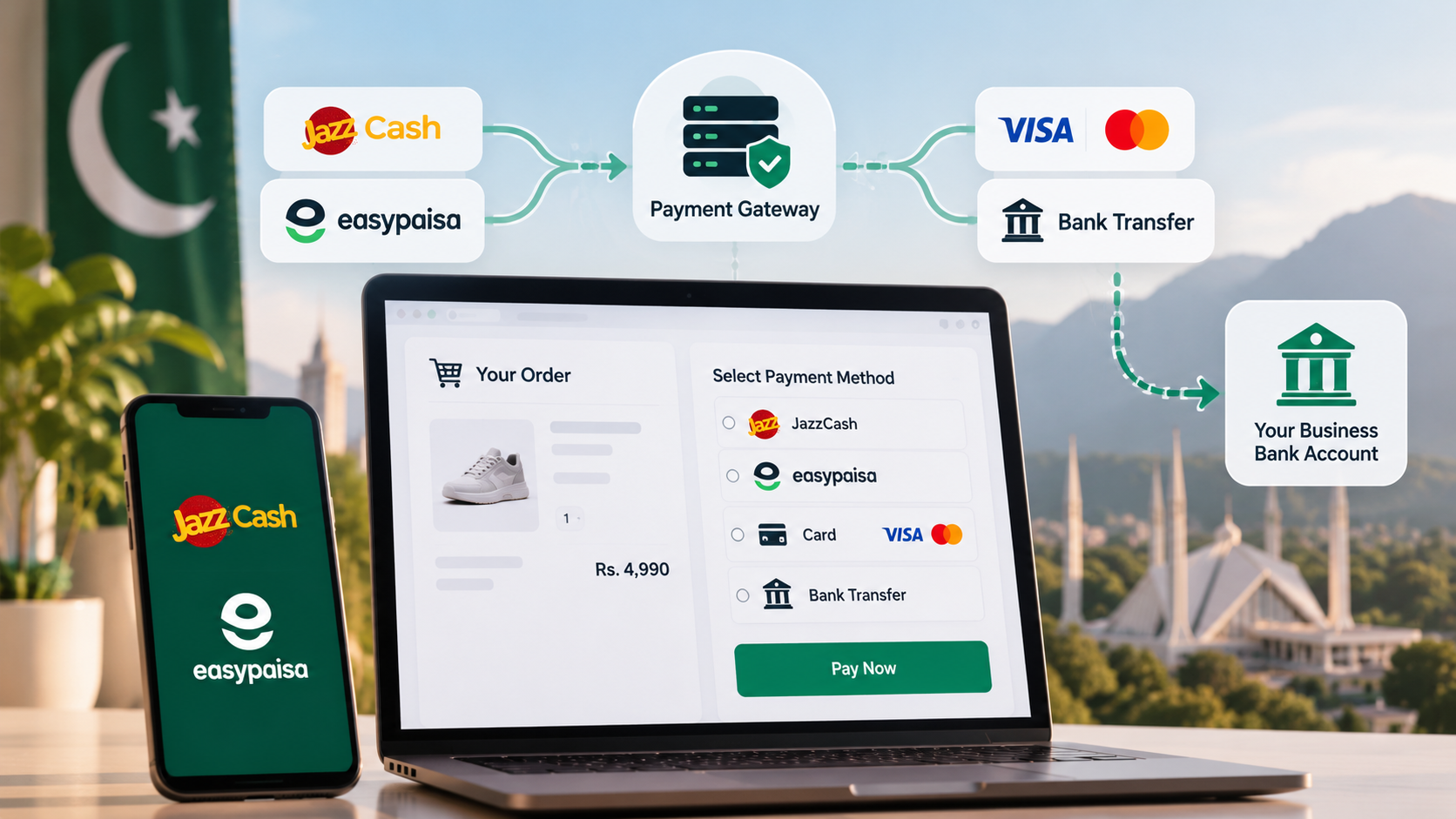
- Local payments. Can your customers pay through JazzCash, Easypaisa or a local bank card inside the tool? If not, read our guide to JazzCash and Easypaisa integration before you decide.
- Language. Can staff or customers use it in Urdu or Roman Urdu, or does everyone need to be comfortable in English?
- WhatsApp. Your customers already talk to you on WhatsApp. Does the tool connect to it, or does every message get copied by hand?
- PKR invoicing. Can it invoice in rupees, with your tax details on the invoice?
- FBR requirements. If your business is covered by FBR invoicing rules, ask your accountant and the vendor exactly how the tool handles them. Do not assume.
- Low-end phones and patchy internet. Does it work on a budget Android phone, and does anything survive a dropped connection?
- Billing method. Do you need an international dollar card to pay for it? Who in your company holds that card?
- Support hours. When something breaks at 11 a.m. Pakistan time, is anyone at the vendor awake?
- Data export. Can you download all your data in a usable format if you leave?
If a tool passes most of these, buy it with confidence. If it fails on the ones that touch your customers, such as payments, language or WhatsApp, that is the gap a small custom layer can fill.
Who owns what: code, data and the exit plan
With off-the-shelf software, the vendor owns the code and you rent access, so your exit plan is a data export. With custom software, you can own the code outright, but only if your contract says so and the handover actually happens. Many agency articles say "you own it" and stop there. Ownership is something you check, not something you assume.
If you buy off-the-shelf
- Before signing, export a sample of your data and open it. If it comes out as a usable spreadsheet or CSV, good. If it does not, that is lock-in.
- Check what happens to your data if you stop paying. Some vendors delete it after a set period.
- Watch for price changes in the terms. A vendor can raise prices or move a feature you rely on to a higher plan.
If you build custom
Put these four things in the contract:
- Source code handover. The full code, delivered to a repository you control, not only the developer's.
- Hosting and domain in your name. If the server account belongs to your developer, you do not fully own the system.
- Documentation. Enough that another developer could take over without starting from scratch.
- Clear IP terms. The contract should say the code and design belong to your business once paid for.
With those in place, custom software has the cleanest exit of all: if you ever part ways with your developer, you hand the code to someone else and keep going.
The 7-question build or buy test
Answer these seven questions about one specific process, not your whole business. Count the yes answers. Zero to two means buy, three or four means buy and connect, and five or more means custom software is worth scoping. It takes about 15 minutes.
- Is this process part of why customers choose you? Your pricing, your service flow, your speed.
- Have you tried at least one off-the-shelf tool for it, and did your team end up working around it?
- Do you copy the same data between two or more tools every week?
- Will more than 10 people need access within the next two years? Per-user fees add up fast.
- Do you need something no tool offers well in Pakistan, such as JazzCash, Easypaisa, Urdu screens or WhatsApp-first workflows?
- Would losing access to this tool, or its data, seriously hurt the business?
- Can you commit to maintaining it, through your own developer or a partner, after launch?
|
Yes answers |
What to do |
|---|---|
|
0 to 2 |
Buy off-the-shelf. Revisit in a year. |
|
3 to 4 |
Buy the core tool, then connect it with automation or build one small custom layer. |
|
5 to 7 |
Scope a custom build. Start with a small first version, not the full wish list. |
One rule overrides the score: if question 7 is a "no", do not build yet. Custom software that nobody maintains turns into a liability within a year or two.
Frequently asked questions
What is an example of off-the-shelf software?
Google Workspace, QuickBooks, Zoho Books and Shopify are off-the-shelf software: one product sold to many businesses, ready to use after sign-up. You pay a subscription or licence, and the vendor handles updates, hosting and support.
Is custom software better than off-the-shelf?
Neither is better by default: custom software wins when the process is unique and central to how you earn, and off-the-shelf wins for standard work. Most businesses get the best result by buying standard tools and building only the part that sets them apart.
Is custom software cheaper than off-the-shelf in the long run?
Sometimes: custom software costs more upfront, but it can cost less over three to five years when it replaces several per-user subscriptions. Run a 36-month comparison that includes per-user fees, add-ons, maintenance and the hours your team spends on workarounds.
Can off-the-shelf software be customised?
Yes, most off-the-shelf software can be adjusted with settings, custom fields, add-ons and integrations, but deep changes are limited. Heavy customisation can also break when the vendor releases updates, which is often the point where a small custom layer works better.
How long does custom software take to build?
A focused first version of custom software usually takes a few weeks to a few months, depending on features, integrations and how quickly decisions get made. Starting with a small first version and adding features after launch keeps the timeline and budget under control.
Should a small business in Pakistan build custom software?
Usually not at first: a small business in Pakistan should start with off-the-shelf tools and build only the one workflow those tools handle badly. Custom software makes sense once that workflow costs real time every week or blocks local needs such as JazzCash, Easypaisa or Urdu.
Not sure which way to go?
Bring us the process that is giving you trouble. At Lumen AI, we will run the 7-question test with you, check the tools you already pay for, and tell you honestly whether to buy, connect or build. Sometimes the answer is that you do not need us. When a build does make sense, our team builds business web apps around your process, starting with a small first version before anything bigger.
Book a free consultation and we will start with your process, not a sales pitch.