FBR POS Integration: Who Needs It, How It Works and What Usually Breaks
13 min read
On this page
- What is FBR POS integration?
- Who needs FBR POS integration? The Tier-1 checklist
- Two ways to integrate
- FBR POS integration step by step
- What usually breaks (and how to avoid it)
- Sales made while the internet is down
- Returns and exchanges
- Several counters and branches
- Discounts, deals and loyalty
- The receipt printer
- Staff billing outside the POS
- What FBR POS integration costs
- Penalties for not integrating
- FBR POS integration vs digital invoicing
- Restaurants: FBR or your province?
- Frequently asked questions
- What is FBR POS integration?
- Who is a Tier-1 retailer?
- Is FBR POS integration mandatory for all shops?
- How long does FBR POS integration take?
- Can I integrate my existing POS or ERP with FBR?
- How do customers verify an FBR invoice?
- What happens if my POS goes offline?
- What is the Re 1 POS service fee?
- What is the penalty for not integrating with FBR POS?
- I received a Tier-1 notice but don't think I qualify. What can I do?
- The bottom line
A letter arrives from your tax office. Your shop is on a list of Tier-1 retailers, and every counter has to be integrated with FBR by a deadline. Your POS vendor says "no problem". Your accountant isn't sure what that means. And the deadline doesn't move.
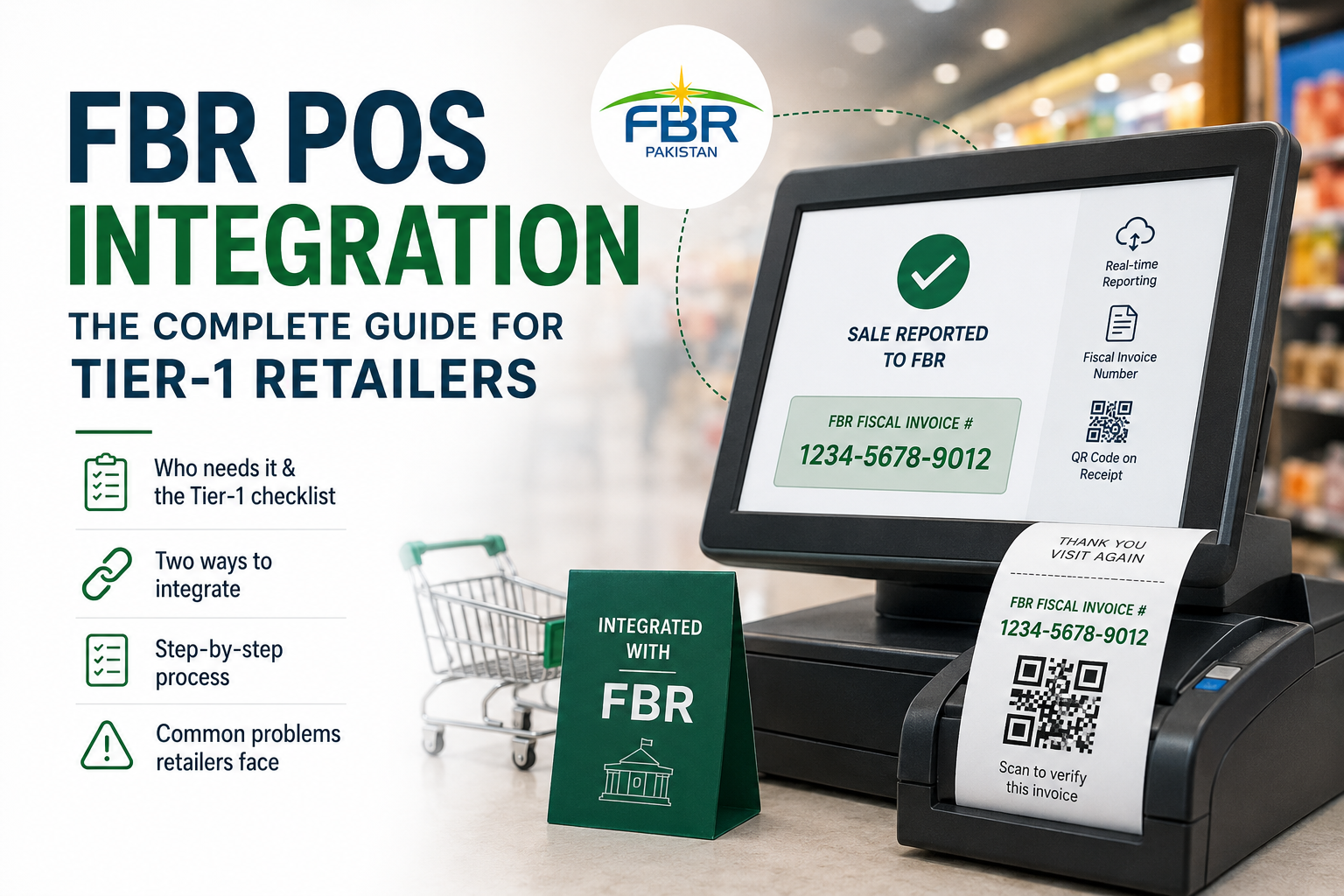
FBR POS integration connects every till in your shop to FBR's system, so each sale is reported in real time and the customer's receipt carries an FBR invoice number and a QR code. If your business is a Tier-1 retailer, it's mandatory.
This guide explains who has to integrate, the two ways to do it, the steps in order, and the problems that catch most retailers out. We build POS and ERP systems and connect them to FBR, so it's written from the project side, not just the legal one.
What is FBR POS integration?
FBR POS integration links your point-of-sale software to FBR's computerised system, so every sale is sent to FBR as it happens. FBR returns a fiscal invoice number for each sale, which is printed on the receipt with a QR code customers can scan to check the invoice is genuine.
The requirement comes from Section 3(9A) of the Sales Tax Act, 1990, which requires Tier-1 retailers to integrate their retail outlets with FBR for real-time reporting of sales. In practice, that means:
- Every counter is registered with FBR and gets its own POS ID
- Every sale is reported to FBR as it's made, including returns and exchanges
- Every receipt shows the FBR fiscal invoice number and a QR code
- Online sales are reported too, through FBR's utility for websites
FBR's POS booklet collects the legal provisions in one place if you want the original text.
Who needs FBR POS integration? The Tier-1 checklist
You need FBR POS integration if your business is a Tier-1 retailer under Section 2(43A) of the Sales Tax Act. The definition is a list of separate tests, and meeting any one of them is enough. Answer each question below honestly; one "yes" means you should plan to integrate.
|
Question |
If yes |
|---|---|
|
Is your shop a unit of a national or international chain of stores? |
Tier-1 |
|
Is your shop in an air-conditioned mall, plaza or shopping centre (not a kiosk)? |
Tier-1 |
|
Did your shop's electricity bills over the last 12 months cross the limit set in the law? |
Tier-1 |
|
Was the withholding tax deductible on your sales under Section 236H more than Rs 100,000 in the last 12 months? |
Tier-1 (added by SRO 1842(I)/2023) |
|
Has FBR notified your category or your business by name? |
Tier-1 |
The law also covers other categories, and FBR can add more. Check the full Section 2(43A) list and current thresholds in FBR's POS booklet, or ask your tax adviser.
A business that sells goods to the public for consumption counts as a retailer, even if it also makes what it sells. FBR has said bakeries and sweet shops, for example, are Tier-1 if they meet any of the tests (Business Recorder).
Received a notice but don't think you qualify? You can apply to your Commissioner to be excluded from the list. The Federal Tax Ombudsman has also directed FBR to follow the Section 2(43A) criteria when issuing notices (ProPakistani). Do this through your tax adviser, and do it before the deadline, not after.
Two ways to integrate
There are two ways to do FBR POS integration: buy a POS that's already built for FBR, or connect the POS, ERP or website you already use. The first is faster for a small shop. The second is usually better if your current system runs your stock, accounts or branches and replacing it would cost more than connecting it.
Option 1: switch to an FBR-ready POS. You pick a POS that already handles FBR reporting, register your counters and start billing. It's the quickest route for a single shop with simple stock. The catch: you're moving your products, prices and history to new software, and your staff learn a new system at the same time as the compliance change. Before you choose, read what POS software really costs in Pakistan once setup, extra users and add-ons are counted.
Option 2: integrate your existing POS, ERP or website. If your current system works and already holds your stock and accounts, a developer adds FBR reporting to it: sending each sale, receiving the fiscal number and printing it on the receipt. This takes more technical work upfront but keeps your workflow intact. If an ERP runs your business, our guide to the best ERP software in Pakistan lists what to ask a vendor about FBR before you commit.
A quick way to decide:
|
Your situation |
Usually better |
|---|---|
|
One shop, simple stock, old or no POS |
FBR-ready POS |
|
POS or ERP you're happy with, linked to stock and accounts |
Integrate what you have |
|
Several branches or a website that sells too |
Integrate, so every channel reports from one system |
|
Restaurant |
Check your provincial authority first (see below) |
FBR POS integration step by step
FBR POS integration takes seven steps: confirm your status, register each counter, get your software ready, install and test FBR's component, update your receipt, go live counter by counter and connect online sales. Most delays come from step three, not the paperwork.
- Confirm your status and registration. Make sure you're registered for sales tax with an active STRN, and confirm with your tax adviser which Tier-1 test applies to you.
- Register each POS counter with FBR. Every till that takes payment is registered separately against your STRN and gets its own POS ID. A shop with four tills needs four.
- Get your software ready. Either buy an FBR-ready POS, or have your existing POS, ERP or website updated to talk to FBR. This is where most time goes.
- Install FBR's component and test it. FBR provides the software component that sends sales and returns the fiscal invoice number. Test sales, returns, discounts and exchanges before going live.
- Update your receipt. It should print the FBR logo, the fiscal invoice number and the QR code, plus the Re 1 POS service fee line. Check that your thermal printer prints the QR code clearly at its size.
- Go live counter by counter. Start with one till, check sales appear correctly on FBR's side for a day, then switch on the rest.
- Connect online sales. If you sell through a website, FBR's FAQs say those sales must also be reported, using FBR's utility in the website (Business Recorder).
Keep a record of every POS ID, the date each went live and who did the integration. If FBR ever questions a counter, that record saves days.
What usually breaks (and how to avoid it)
Most FBR POS integrations don't fail on registration. They fail on everyday situations the demo never tested: the internet dropping, a customer returning something, two tills billing at once, or a receipt printer that can't print the QR code clearly. Test each of these before you go live.
Sales made while the internet is down
If your POS can't reach FBR, it still has to bill the customer. A good system saves the sale on the till, prints the receipt and sends it to FBR as soon as the connection is back, without losing or duplicating anything. Ask what your POS does offline, and test it by unplugging the router.
We deal with this in our own restaurant POS, where each device gets its own block of bill numbers so two tills that were offline together can't clash when they reconnect. Whatever you use should have an answer for the same problem.
Returns and exchanges
FBR's guidance says the POS must handle returns and exchanges, and the sales reported to FBR must reflect them. If your staff "fix" a return by cancelling a sale or giving cash from the drawer, your reported sales and your actual sales won't match. Train staff on the proper return process from day one.
Several counters and branches
Every counter needs its own registration and POS ID. When you add a till during Eid rush, it has to be registered and live before it takes payment. For several branches, make sure head office can see which counters are integrated and which aren't. If branch sales, stock and accounts already live in separate systems, this is often the point to look at ERP for growing businesses, so every counter reports from one place.
Discounts, deals and loyalty
A buy-one-get-one deal or a loyalty discount changes the amount on the invoice. Check that what's printed on the receipt, what's in your POS and what's sent to FBR all show the same figure.
The receipt printer
Small or worn thermal printers sometimes print QR codes that won't scan. Test-scan a printed receipt with an ordinary phone before going live, and keep spare paper rolls of the right width.
Staff billing outside the POS
The integration only covers sales that go through the POS. If a cashier writes a manual bill during a rush, that sale isn't reported. Make the POS the only way to take payment.
What FBR POS integration costs
FBR's own charge is a POS service fee of Re 1 per invoice, which you collect from the customer and deposit with your sales tax return. Your real cost is the software: either an FBR-ready POS subscription or the development work to connect your existing system, plus any hardware upgrades.
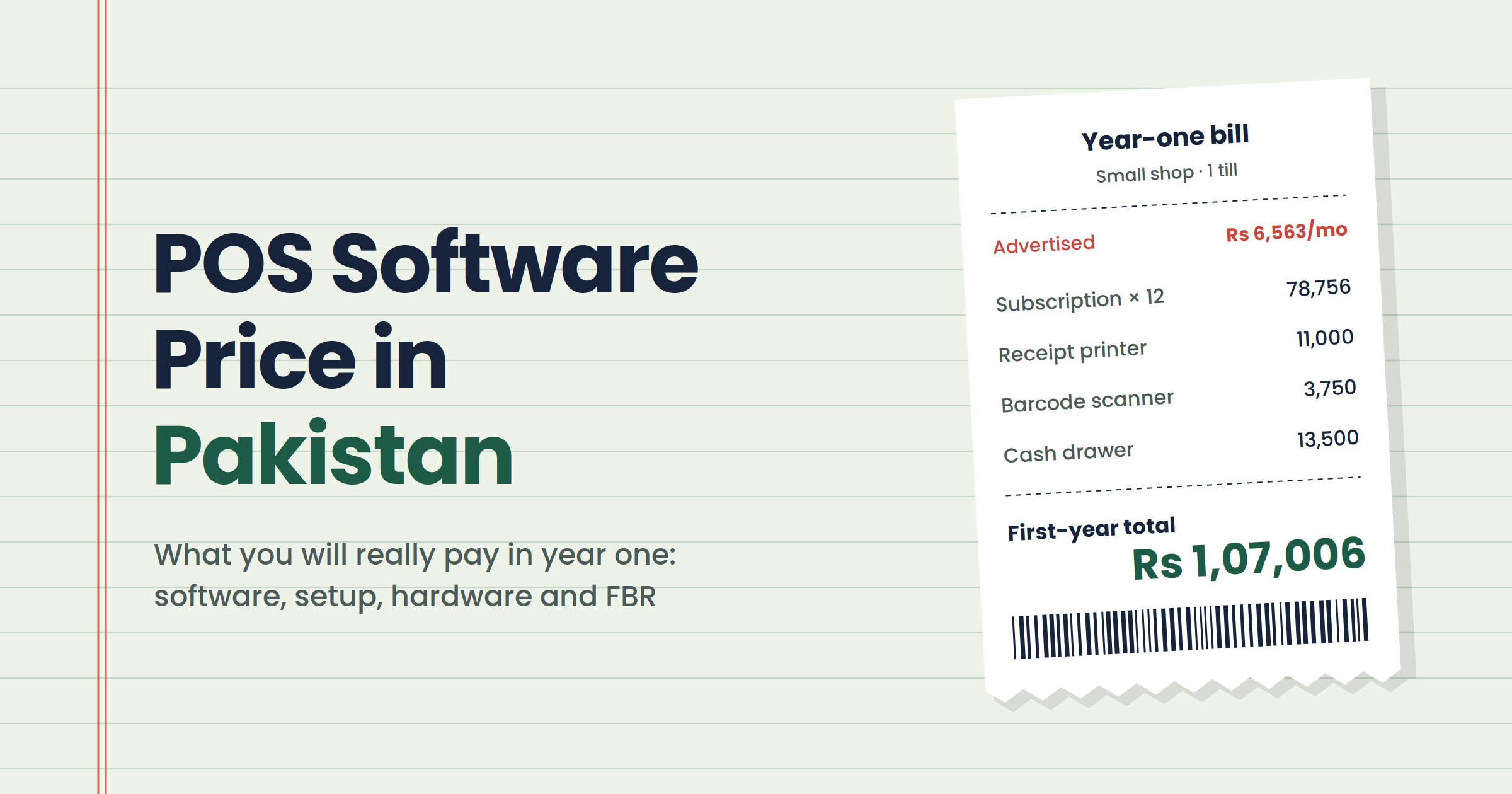
The Re 1 fee is set under SRO 1279(I)/2021 and appears as a line on the receipt. For software, some FBR-focused POS products start around Rs 1,000 a month, while full POS systems include FBR in higher plans. Our POS software price guide breaks down the full first-year cost, including hardware.
Penalties for not integrating
A Tier-1 retailer who doesn't integrate risks losing part of its input tax adjustment, a penalty under Section 33 of the Sales Tax Act and, for continuing failure, sealing of premises. The penalty is far more expensive than the integration, so treat the deadline seriously.
The main consequences reported from FBR's rules and guidance:
- Input tax: Section 8B(6) reduces the input tax a non-integrated Tier-1 retailer can adjust for that period (FBR)
- Penalty: FBR's 2019 FAQs set a penalty of Rs 1 million for failing to integrate (Business Recorder)
- Sealing: for continuing failure, premises can be sealed and sales embargoed
Amounts and procedures change through Finance Acts and SROs, so confirm the current position with your tax adviser.
FBR POS integration vs digital invoicing
FBR POS integration and FBR digital invoicing are two separate systems. POS integration is for Tier-1 retailers reporting counter sales to customers. Digital invoicing covers sales-tax invoices issued by registered businesses through licensed integrators. A retailer can need one, the other or, in some cases, both.
The confusion is common because both send invoices to FBR in real time and both put an FBR number on the invoice. But they work through different channels and have different rules. If you sell wholesale to other businesses as well as at the counter, ask your tax adviser which system covers which sales.
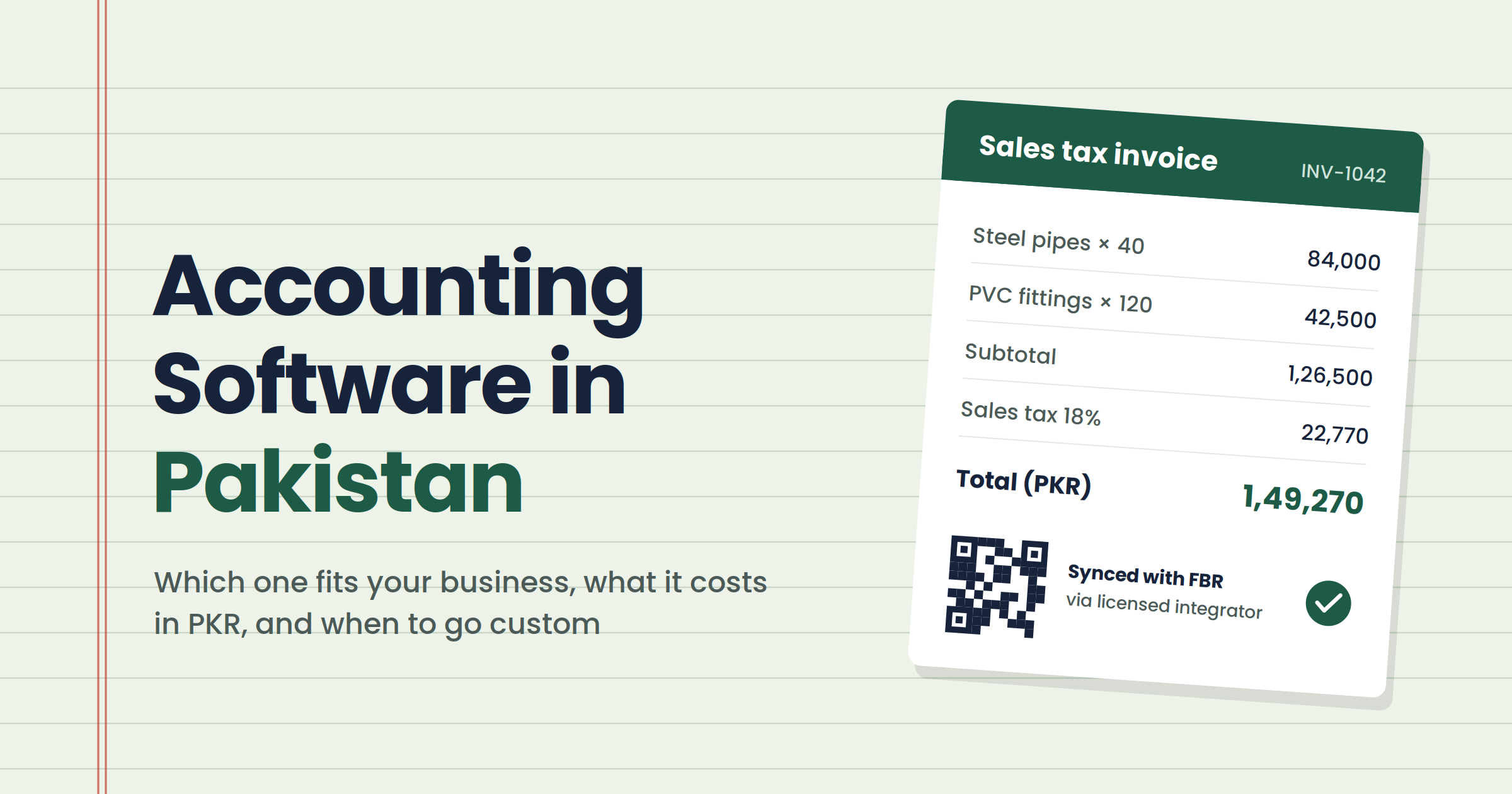
If you're a sales-tax-registered business choosing software for your invoices rather than your tills, our guide to accounting software in Pakistan explains how digital invoicing through a licensed integrator fits in.
Restaurants: FBR or your province?
Restaurant services are usually taxed by provincial revenue authorities, so most restaurants integrate their POS with their province rather than only with FBR: PRA in Punjab, SRB in Sindh, KPRA in Khyber Pakhtunkhwa or BRA in Balochistan. A restaurant that also runs a retail shop may have both obligations.
Before you pay for an "FBR integrated" restaurant POS, ask which authority it actually reports to. Our guide to restaurant POS software in Pakistan covers what else a restaurant POS needs to handle.
Frequently asked questions
What is FBR POS integration?
FBR POS integration connects a retailer's point-of-sale software to FBR's computerised system so each sale is reported in real time. FBR returns a fiscal invoice number for every sale, and the receipt prints it with a QR code that customers can scan to verify the invoice.
Who is a Tier-1 retailer?
A Tier-1 retailer is one that meets any test in Section 2(43A) of the Sales Tax Act, 1990. These include being part of a national or international chain, being in an air-conditioned mall or plaza, crossing the electricity bill limit, or having Section 236H withholding above Rs 100,000 in a year.
Is FBR POS integration mandatory for all shops?
No. It's mandatory for Tier-1 retailers under Section 3(9A) of the Sales Tax Act. A small shop that meets none of the Section 2(43A) tests doesn't need it for this rule. FBR can add categories, so check the current list with your tax adviser.
How long does FBR POS integration take?
With an FBR-ready POS, a single shop can often be live within days once its counters are registered. Integrating an existing POS, ERP or website takes longer, from a few weeks upward, depending on the system and how well it handles returns, offline sales and several counters.
Can I integrate my existing POS or ERP with FBR?
Yes, if the software can be updated by its vendor or a developer. The system needs to send each sale to FBR, receive the fiscal invoice number and print it with a QR code. This is often cheaper than replacing a system that already runs your stock and accounts.
How do customers verify an FBR invoice?
Customers scan the QR code printed on the receipt, or check the fiscal invoice number through FBR's verification service. If the invoice is genuine, FBR's record of the sale appears. Make sure your printer prints the QR code clearly enough to scan.
What happens if my POS goes offline?
A properly built POS keeps billing, stores the sales on the till and sends them to FBR when the connection returns. Ask your vendor exactly how offline sales are handled and test it before going live, because losing or duplicating sales causes mismatches.
What is the Re 1 POS service fee?
It's a fee of Re 1 per invoice that Tier-1 retailers collect from customers and deposit with their sales tax return, under SRO 1279(I)/2021. It's printed on the receipt and isn't a cost to the retailer.
What is the penalty for not integrating with FBR POS?
A non-integrated Tier-1 retailer can lose part of its input tax adjustment and faces a penalty under Section 33, reported as Rs 1 million in FBR's 2019 guidance, with possible sealing for continuing failure. Confirm current amounts with your tax adviser.
I received a Tier-1 notice but don't think I qualify. What can I do?
You can apply to your Commissioner to be excluded from the list, showing why none of the Section 2(43A) tests apply. Do it through your tax adviser and before the integration deadline, since the notice stands until you're formally excluded.
The bottom line
FBR POS integration isn't hard if you treat it as a small software project rather than a form to fill. Confirm you're Tier-1, register every counter, choose whether to switch POS or connect the one you have, and test the awkward cases, like offline sales and returns, before the deadline rather than after.
Already have a POS or ERP that works? We'd rather connect it than replace it. See how we build and connect ERP and POS software in Pakistan, or talk to us about your setup. We're not an FBR licensed integrator, and we'll tell you plainly if your business needs one.