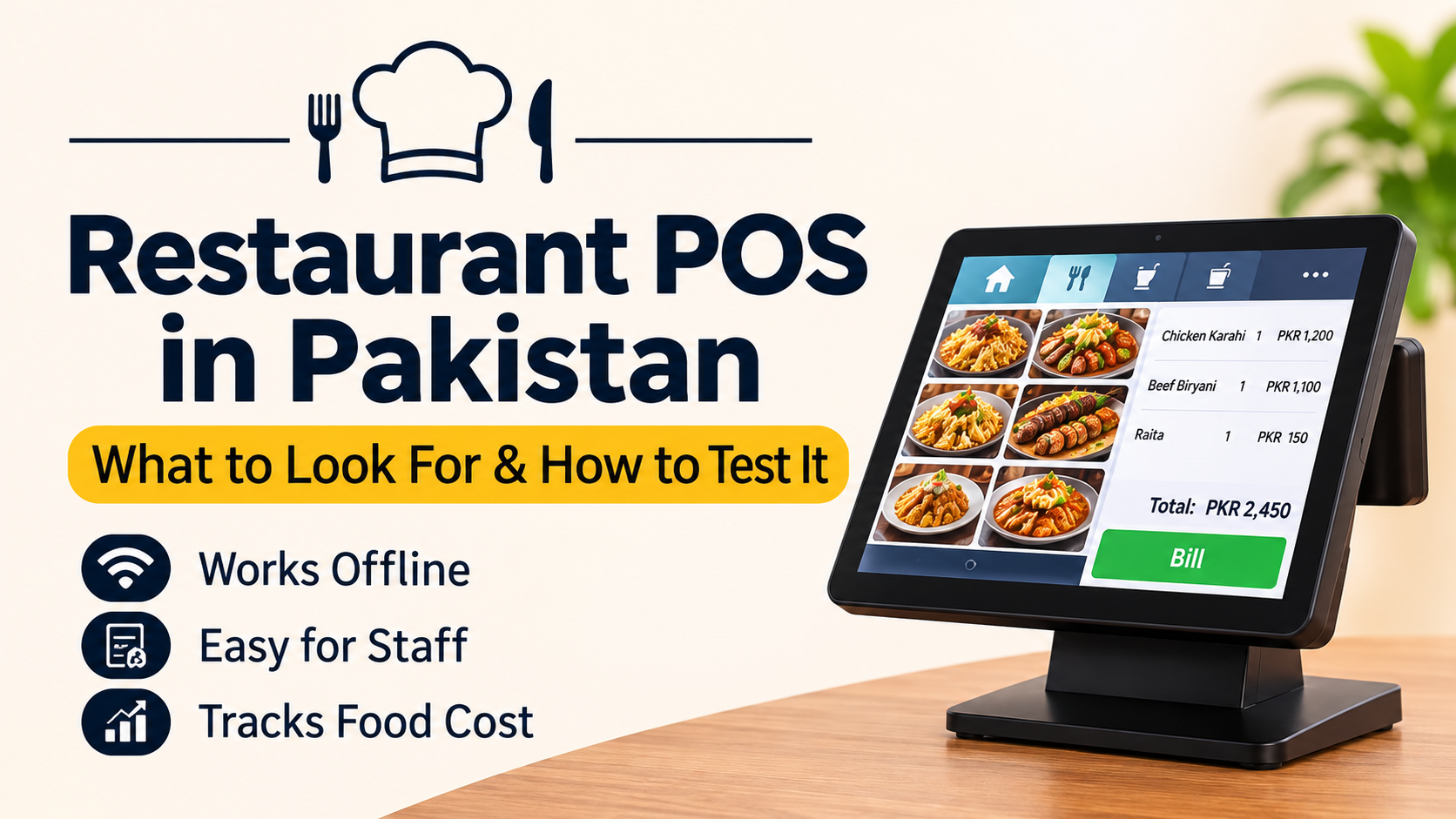
Restaurant POS Software in Pakistan: How to Choose One That Survives a Dinner Rush
12 min read
On this page
- What restaurant POS software does (and how it's different from a shop POS)
- Must-have features for restaurants in Pakistan
- 1. Billing that keeps working offline
- 2. Bill numbers that don't clash across tills
- 3. A screen your staff can use without training
- 4. Kitchen display and station routing
- 5. Dine-in, takeaway and delivery in one place
- 6. JazzCash, Easypaisa, card and split payments
- 7. Recipe costing and stock deducted on every sale
- 8. Day close and cash count
- 9. Tax compliance with your provincial authority
- Which features you need by restaurant type
- Red flags in a restaurant POS demo
- How to choose: a 5-step process
- When a ready-made POS isn't enough
- Frequently asked questions
- What is the best restaurant POS software in Pakistan?
- How much does restaurant POS software cost in Pakistan?
- Does a restaurant POS work without internet?
- Do restaurants need POS integration with PRA or SRB?
- Can a restaurant POS track food cost and stock?
- Can I use a tablet or phone as a restaurant POS?
- What's the difference between a cash register and restaurant POS software?
- Does restaurant POS support delivery and riders?
- How long does it take to set up a restaurant POS?
- Is a restaurant POS suitable for a small dhaba or takeaway?
- The bottom line
Friday, 9 pm. Every table is full, the takeaway counter has a queue, and the internet drops. One till freezes. The waiter starts writing orders on paper, the kitchen loses track of which ticket came first, and by closing time nobody knows if the cash in the drawer is right.
The right restaurant POS software keeps billing through a power or internet cut, can be used by a new waiter on day one, and works out your food cost on every sale. Most demos never test any of those things, which is why so many restaurants end up stuck with a system that looks good and fails on a busy night.
We built a restaurant POS for dhabas, takeaway counters and small cafes, so this guide comes from solving exactly these problems. Here's what to look for, and how to test it before you pay.
What restaurant POS software does (and how it's different from a shop POS)
Restaurant POS software takes orders, sends them to the kitchen, bills the customer and records every payment. Unlike a shop POS, it has to handle tables, kitchen tickets, modifiers like "less spicy", split bills, takeaway and delivery, and recipes that turn one sale into several ingredients leaving the store room.
A retail POS sells a finished item off the shelf. A restaurant sells a plate of karahi made from chicken, oil, tomatoes and spices, often in parts: starters first, mains later, one bill split three ways at the end. That's why a general POS that works fine in a shop starts struggling in a kitchen.
You'll also see the term restaurant management system. It usually means the same thing with more attached: stock, purchasing, staff and reports. For a small restaurant, the label matters less than whether the features below actually work.
Must-have features for restaurants in Pakistan
The must-have features for a restaurant POS in Pakistan are offline billing, bill numbers that never clash, a screen staff can use without training, a kitchen display, all order types in one place, local payment methods, recipe costing, a proper day close and integration with your provincial tax authority. Each one below ends with a quick test for the demo.
1. Billing that keeps working offline
Power and internet both go out, and they go out at the worst time. A till that stops taking orders when the connection drops is worse than the paper book it replaced. The POS should save orders, payments and kitchen tickets on the device first, print them, and upload when the connection comes back.
Test it in the demo: ask the vendor to switch off the router. Take three orders, print the bills, then switch it back on and check all three appear in the reports.
2. Bill numbers that don't clash across tills
If you have a counter, a second till and a waiter's phone, all of them may be taking orders offline at the same time. When they reconnect, two orders must never end up with the same bill number, and none should be counted twice. In our own build, each device gets its own block of bill numbers, and anything ambiguous goes into a queue for the owner to check, rather than being merged silently.
Test it in the demo: take orders on two devices while both are offline, reconnect, and look at the bill numbers.
3. A screen your staff can use without training
The people using the till all day are cashiers, waiters and cooks, not accountants. Staff change often. If an order needs typing or reading a long list of English item names, service slows down exactly when the restaurant is busiest.
Look for photos of your actual dishes, Urdu and English together on every button, big touch targets, and orders in a few taps with no typing. PIN logins with separate roles for owner, manager, cashier, waiter and kitchen stop staff seeing or changing what they shouldn't.
Test it in the demo: hand the tablet to your newest waiter, without explaining anything, and time a three-item order.
4. Kitchen display and station routing
Printed kitchen tickets get lost, splashed and stacked in the wrong order. A kitchen display shows every ticket on a screen, sorted by age, and the best ones use colour so the cook can see what's running late from two metres away. If you have separate stations, like a tandoor and a grill, each should only see its own items.
Many vendors sell the kitchen screen as a paid add-on. Ask upfront.
Test it in the demo: send an order with items for two stations and watch where each item lands.
5. Dine-in, takeaway and delivery in one place
Most Pakistani restaurants run all three at once. The POS should handle tables (with a floor plan showing which are occupied or waiting for the bill), moving and merging orders between tables, split bills, deals and modifiers. For delivery, look for rider assignment and a customer address book that recognises repeat callers by phone number, so nobody types the same address twice.
Test it in the demo: split one table's bill three ways, then take a phone delivery order from a "repeat customer".
6. JazzCash, Easypaisa, card and split payments
Customers pay in cash, by card and through JazzCash or Easypaisa, sometimes all on one bill. The POS should record each method separately so your day close matches the bank and wallet statements. A change calculator and quick cash keys save time at the counter.
Test it in the demo: pay one bill half in cash and half by JazzCash, then check how it appears in the day's report.
7. Recipe costing and stock deducted on every sale
The numbers that decide whether a restaurant makes money are food cost per dish, waste and what sells at what hour. They only exist if stock is deducted on every sale, and nobody will do that by hand during a dinner rush. A good restaurant POS links each dish to its recipe, deducts ingredients automatically and shows food cost as a percentage of the selling price.
This is also how you catch a dish that has quietly stopped making money because chicken or oil went up, but the menu price didn't.
Test it in the demo: set up one dish's recipe, sell it twice and check the ingredient stock dropped by the right amount.
8. Day close and cash count
At closing time, the owner needs three answers: how much came in, where it came from and whether the drawer is right. Look for shift open and close with a count by note denomination, a clear over or short figure and a single day-close report. Some systems send the owner a summary on WhatsApp, which is far more likely to be read than a dashboard.
9. Tax compliance with your provincial authority
Restaurant services in Pakistan are taxed by the provinces, so your POS usually needs to connect to your provincial revenue authority: PRA in Punjab, SRB in Sindh, KPRA in Khyber Pakhtunkhwa or BRA in Balochistan. In Punjab, for example, PRA runs its own electronic invoice monitoring system that restaurant POS systems report into.
Don't take "FBR integrated" as the full answer. Ask which authority the POS reports to, whether that's included in your plan, and ask to see a test invoice reach it. Rules and deadlines change, so confirm your restaurant's obligations with your tax adviser.
Which features you need by restaurant type
A dhaba, a cafe and a cloud kitchen need different things from a POS. Start with your type below, insist on the must-haves and treat everything else as optional. Paying for features you won't use is the most common way restaurants overspend.
|
Restaurant type |
Must-have |
Nice to have |
|---|---|---|
|
Dhaba or takeaway counter |
Offline billing, photo/Urdu ordering, fast cash, day close |
Kitchen screen, recipe costing |
|
Cafe |
Modifiers, quick reorders, card and wallet payments, recipe costing |
Loyalty, simple table view |
|
Dine-in family restaurant |
Tables and floor plan, split bills, kitchen display, waiter devices |
Station routing, reservations |
|
Cloud kitchen |
Delivery and rider dispatch, repeat-customer lookup, kitchen display |
Recipe costing per platform |
|
Multi-branch chain |
Central menu and reports, stock per branch, staff roles, provincial tax integration |
Central kitchen and purchasing |
Red flags in a restaurant POS demo
The biggest red flags are charges that grow with your team, features that need the internet to work, and screens your staff can't read. If you spot any of these in a demo, ask for the written first-year cost before going further.
- A fee for every waiter or device. Hiring a second cook shouldn't raise your software bill.
- The kitchen screen costs extra. For most restaurants it isn't optional.
- Billing stops when the internet does.
- English-only menus and buttons for a staff that reads Urdu.
- No way to export your data if you leave.
- A setup fee with no setup. If you still have to type in 80 dishes yourself, what is the fee for?
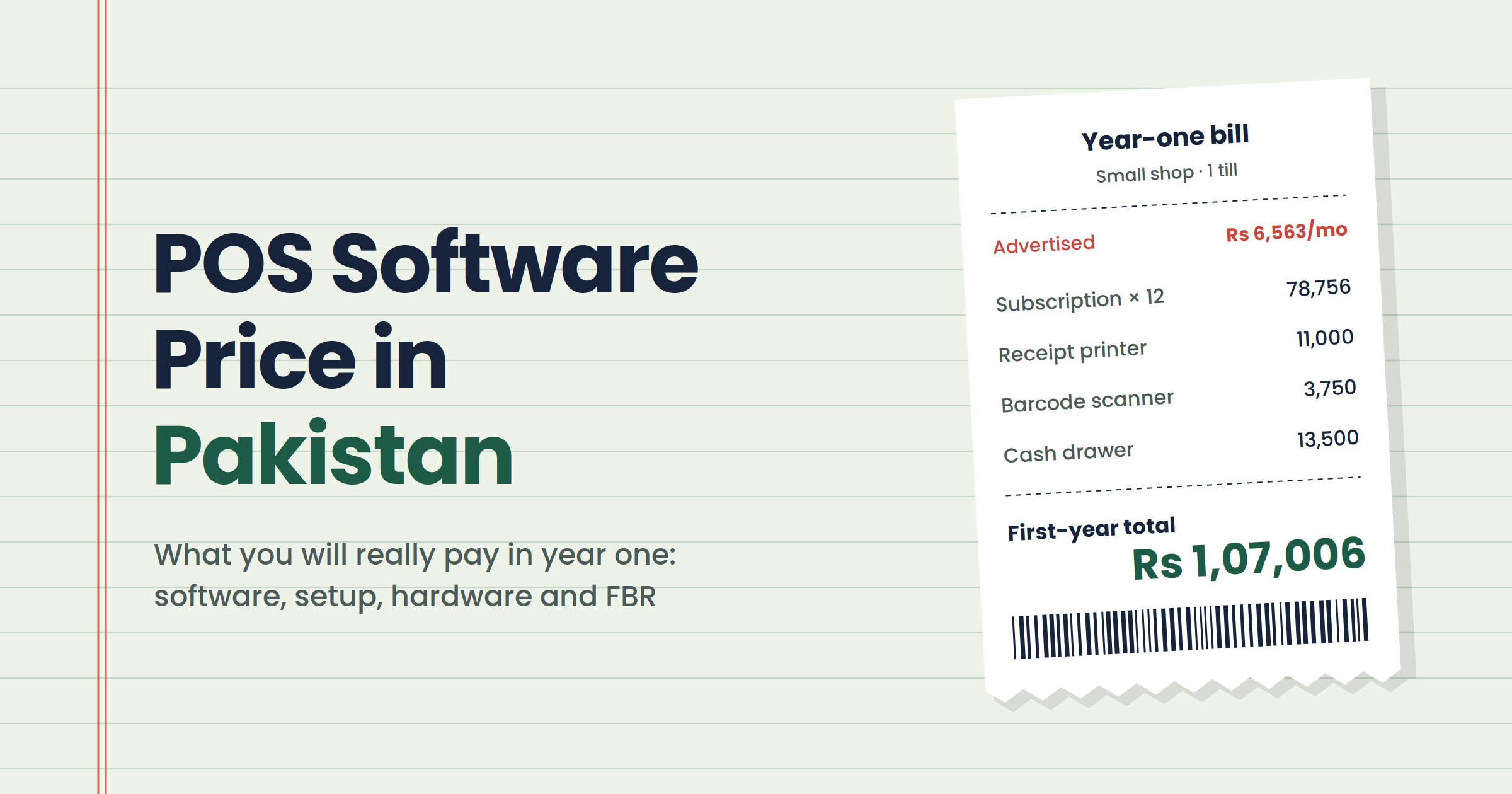
We break down every line of a typical quote in our guide to what POS software really costs in Pakistan.
How to choose: a 5-step process
To choose restaurant POS software, write down your must-haves first, shortlist three systems, demo each with your own menu during a simulated rush, compare written first-year costs and run a short trial on one till before you commit.
- List your must-haves from the table above, plus your provincial tax requirement.
- Shortlist three systems that support them. Ask other restaurant owners in your area what they use.
- Run a rush-hour demo with your own menu. Use the "test it" checks above, with your actual staff.
- Get a written first-year cost: setup, users, devices, kitchen screen, tax integration and hardware.
- Trial one till for a week before rolling it out across the restaurant.
When a ready-made POS isn't enough
A ready-made restaurant POS is right for most single-location restaurants. It stops being enough when you run several branches or a central kitchen, or when your POS, purchasing, stock and accounts need to work from one set of records instead of being stitched together every night.
That usually happens around the third branch, or when you start buying centrally and sending stock out to outlets. At that point you're choosing a system, not a till. Our guide to ERP for growing businesses explains the timing, and the ERP we built for Lumen Energy shows POS, stock and accounts running as one system. If that's where you are, see how we approach ERP and POS software in Pakistan.
Frequently asked questions
What is the best restaurant POS software in Pakistan?
The best restaurant POS is the one that keeps billing offline, is easy for your staff, includes a kitchen display and connects to your provincial tax authority, at a first-year cost you can afford. A dhaba and a multi-branch chain need different systems, so judge by fit, not by vendor rankings.
How much does restaurant POS software cost in Pakistan?
It varies widely with users, devices, kitchen screens and tax integration. In our research for our own build, a one-branch restaurant with three staff and a kitchen screen commonly paid PKR 70,000 to 90,000 in its first year. Always ask for a written first-year total.
Does a restaurant POS work without internet?
A good one does. Offline-first POS systems save orders, payments and kitchen tickets on the device, keep printing bills and upload everything when the connection returns. Many cheaper cloud systems stop billing when the internet drops, so test this in the demo by switching off the router.
Do restaurants need POS integration with PRA or SRB?
Restaurant services are taxed by provincial authorities, and POS integration has become mandatory for many restaurants, including with PRA in Punjab and SRB in Sindh. Requirements depend on your province and registration, so confirm your obligations with your tax adviser and check your POS supports your authority.
Can a restaurant POS track food cost and stock?
Yes, if it supports recipes. You link each dish to its ingredients, and the POS deducts stock on every sale and calculates food cost per dish. This shows which dishes make money, flags waste, and catches dishes whose cost has risen while the menu price hasn't.
Can I use a tablet or phone as a restaurant POS?
Yes. Many restaurant POS systems run on Android tablets, and waiters can take orders on phones that send tickets straight to the kitchen. You'll still want a thermal receipt printer and, for busy kitchens, a separate screen or printer for kitchen tickets.
What's the difference between a cash register and restaurant POS software?
A cash register records sales and holds cash. Restaurant POS software also sends orders to the kitchen, manages tables and delivery, records card and wallet payments, deducts stock and produces reports, so you know your profit, not just your takings.
Does restaurant POS support delivery and riders?
Most restaurant POS systems handle delivery orders. Better ones also assign riders, keep a customer address book and recognise repeat callers by phone number, so orders are faster and addresses aren't retyped. Ask how the POS handles orders from delivery apps too.
How long does it take to set up a restaurant POS?
From one evening to a few weeks, depending on your menu and the system. The slow part is entering dishes, prices, Urdu names and recipes. Systems with menu templates, spreadsheet import or menu-photo reading cut this from days to hours.
Is a restaurant POS suitable for a small dhaba or takeaway?
Yes, if it's built for that size. A small counter needs fast billing, photo or Urdu menus, offline mode and a simple day close, not a chain-level system. Avoid plans that charge per waiter or for features you'll never use.
The bottom line
Don't choose restaurant POS software from a feature list or a slick demo. Choose it by what happens on your busiest night: when the internet drops, when a new waiter starts, when three tables want split bills at once. Test those moments before you pay, and get the full first-year cost in writing.
Want a second pair of eyes on a POS you're considering? Book a free audit and we'll walk through it with you, even if you end up buying someone else's system.