Customer Portal Development: Features, Cost and Real Examples
14 min read
On this page
- What is a customer portal?
- Customer portal vs client portal vs self-service portal
- Signs your business needs a customer portal
- Must-have customer portal features
- Core features (every portal)
- Nice-to-have features
- Behind the scenes
- Customer portal security: what can go wrong
- Five security must-haves for any customer portal
- How much does customer portal development cost?
- Build vs buy: ready-made portal software or custom?
- Customer portal examples
- 1. Certificate verification portal (certification company, KSA)
- 2. Client portal inside an agency platform
- 3. Multi-tenant account portal
- Portals your customers already use
- How customer portal development works
- Frequently asked questions
- What is customer portal development?
- How much does it cost to build a customer portal in Pakistan?
- How long does customer portal development take?
- What is the difference between a customer portal and a client portal?
- Can a customer portal connect to my CRM or ERP?
- Is a customer portal secure enough for personal data?
- Customer portal banwane ka kharcha kitna hai?
- Build a customer portal your customers will actually use
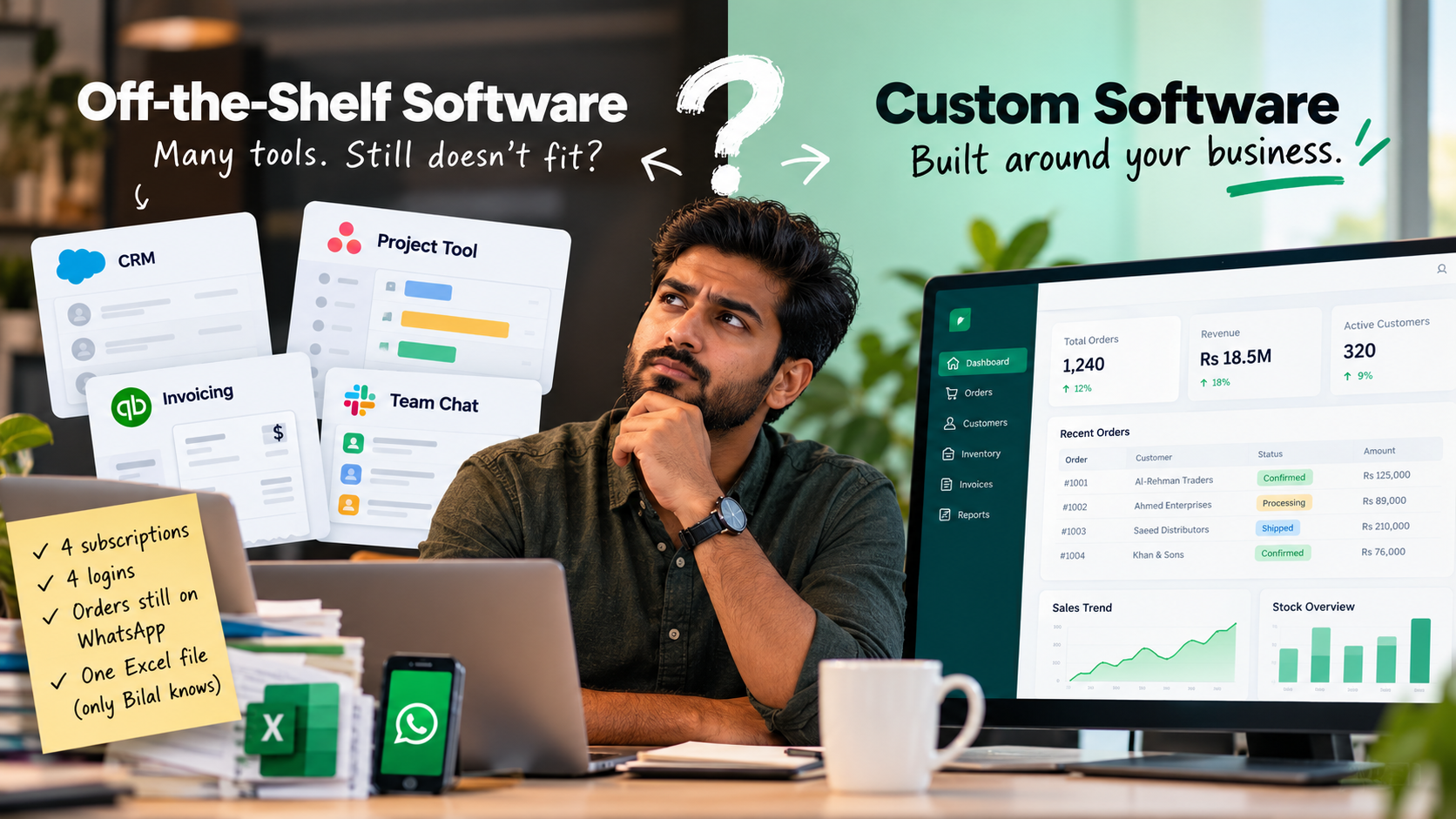
A customer messages you on WhatsApp: "Order kahan hai?" It's the third time today someone has asked. Your staff opens an Excel file, scrolls, finds the row, takes a screenshot and sends it back. Ten minutes later, another customer wants last month's invoice. Same routine.
None of this is hard work. It's just endless.
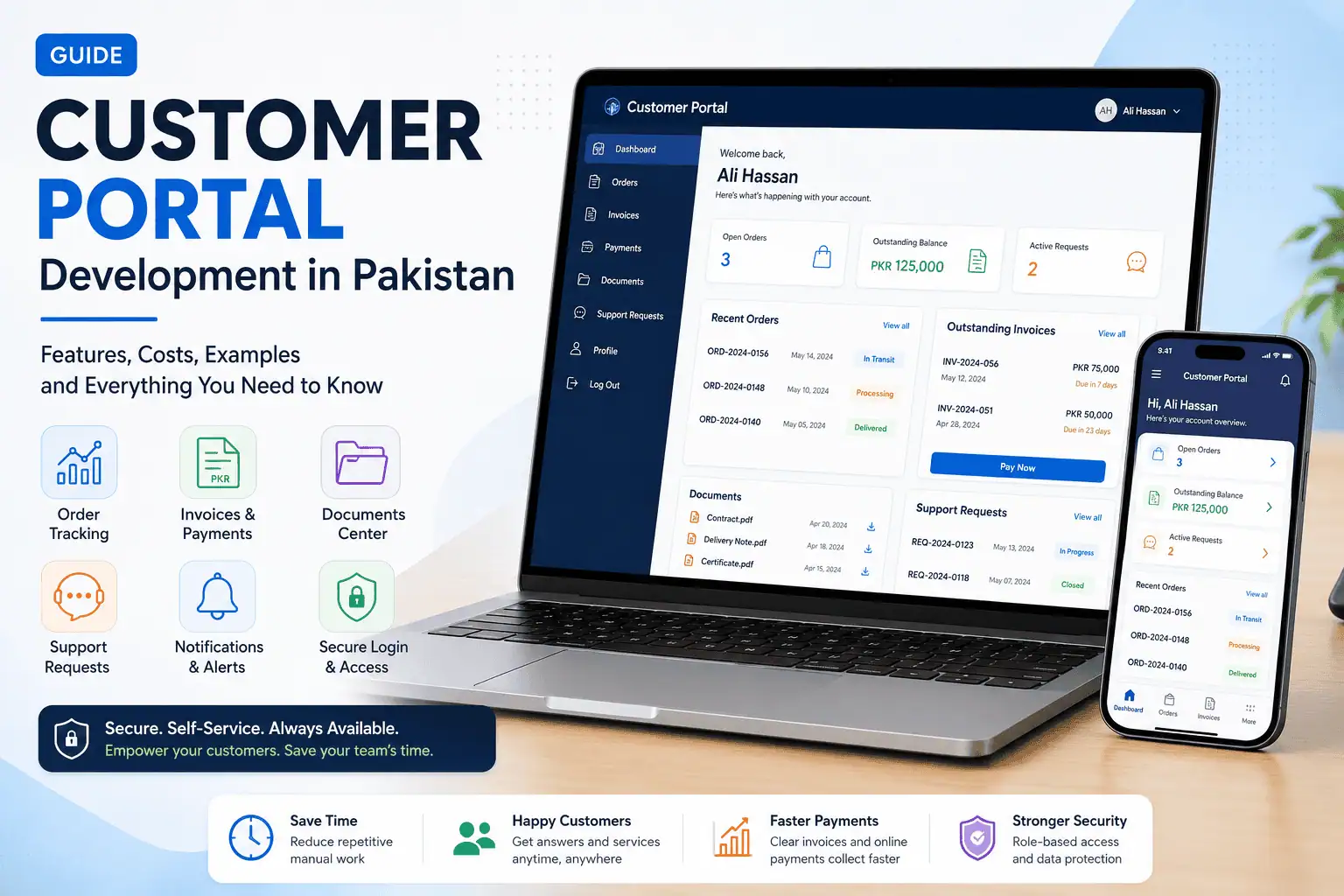
That's the problem customer portal development solves. A portal gives every customer a secure login where they check orders, download invoices and raise requests themselves, any time, without waiting for your team to reply.
This guide covers what a customer portal is, which features actually matter, what it costs in Pakistan (in rupees), when to buy software instead of building, and real portals we've built for businesses in Pakistan and the Gulf.
What is a customer portal?
A customer portal is a secure, password-protected area of your website or app where each customer sees only their own data, such as orders, invoices, documents and support requests, and completes routine tasks without calling or messaging your team.
Think of it as the difference between telling customers about your business and letting them do business with you after they log in. Your website is public and the same for everyone. A portal is private and different for every customer. If you're still unsure where the line sits, our comparison of website vs web app vs mobile app explains it in plain terms.
Customer portal vs client portal vs self-service portal
These three terms describe the same technology used for different relationships. A customer portal serves many buyers with self-service. A client portal is a shared workspace for each ongoing client. Self-service portal is the umbrella term for any login where users help themselves.
|
Portal type |
Who uses it |
Typical use |
Example |
|---|---|---|---|
|
Customer portal |
Many customers, after they buy |
Track orders, pay invoices, raise tickets |
A courier or ecommerce account page |
|
Client portal |
A smaller number of ongoing clients |
Share files, approve work, see project progress |
An agency or law firm client area |
|
Self-service portal |
Anyone, logged in or not |
Find answers and finish tasks without staff |
A help centre with ticket tracking |
There's a fourth type worth knowing: dealer and distributor portals, where B2B buyers place bulk orders at their own price list. That's a different build with its own rules, so we won't cover it here.
In practice, most businesses mix these. A good portal is built around what your customers ask you every day, not around the label.
Signs your business needs a customer portal
You need a customer portal when your team spends a real part of every day answering the same status questions, re-sending documents and chasing payments by hand. If two or more of the signs below sound familiar, the time cost is already higher than you think.
- The same questions arrive every day. "Order kahan hai?", "Invoice bhej dein", "Certificate ready hai?" Each one takes a few minutes. Fifty a day takes a full staff member.
- Invoices and documents get sent one by one. Someone searches email, finds the PDF, attaches it, sends it. Then does it again next month.
- Your data lives in Excel and WhatsApp. The answer exists, but only one person knows which sheet or which chat it's in.
- Customers are in different time zones. A client in Doha asks at 10 pm Pakistan time and waits until morning for a reply they could have looked up themselves.
- You can't tell who asked what. Requests sit in personal WhatsApp chats, so nothing is tracked and nothing gets handed over when staff change.
- Payments get delayed because customers can't see what they owe. A clear balance and a "Pay now" button collects faster than three reminder messages.
Must-have customer portal features
Every customer portal needs secure login, strict per-customer data access, order or job tracking, invoices and payment history, document downloads, support requests with status, and notifications. Everything else is optional and should be added only when your customers actually ask for it.
Core features (every portal)
- Secure login with OTP or two-factor authentication. A phone-number OTP works well for Pakistani customers who don't check email often.
- Role-based access. Each customer sees only their own records. For business customers, the owner may see everything while staff see only their own orders.
- Order, job or case tracking. A live status taken straight from your system, not a copy someone updates by hand.
- Invoices and payment history. Current balance, past invoices as PDFs, and receipts.
- Document centre. Contracts, certificates, delivery notes and reports, downloadable any time.
- Support requests with status. Customers raise a request, see who's handling it, and get notified when it's closed.
- Notifications. Email, SMS or WhatsApp alerts when an order moves, an invoice is issued or a request is answered. WhatsApp doesn't disappear; it becomes the alert, and the portal becomes the record.
Nice-to-have features
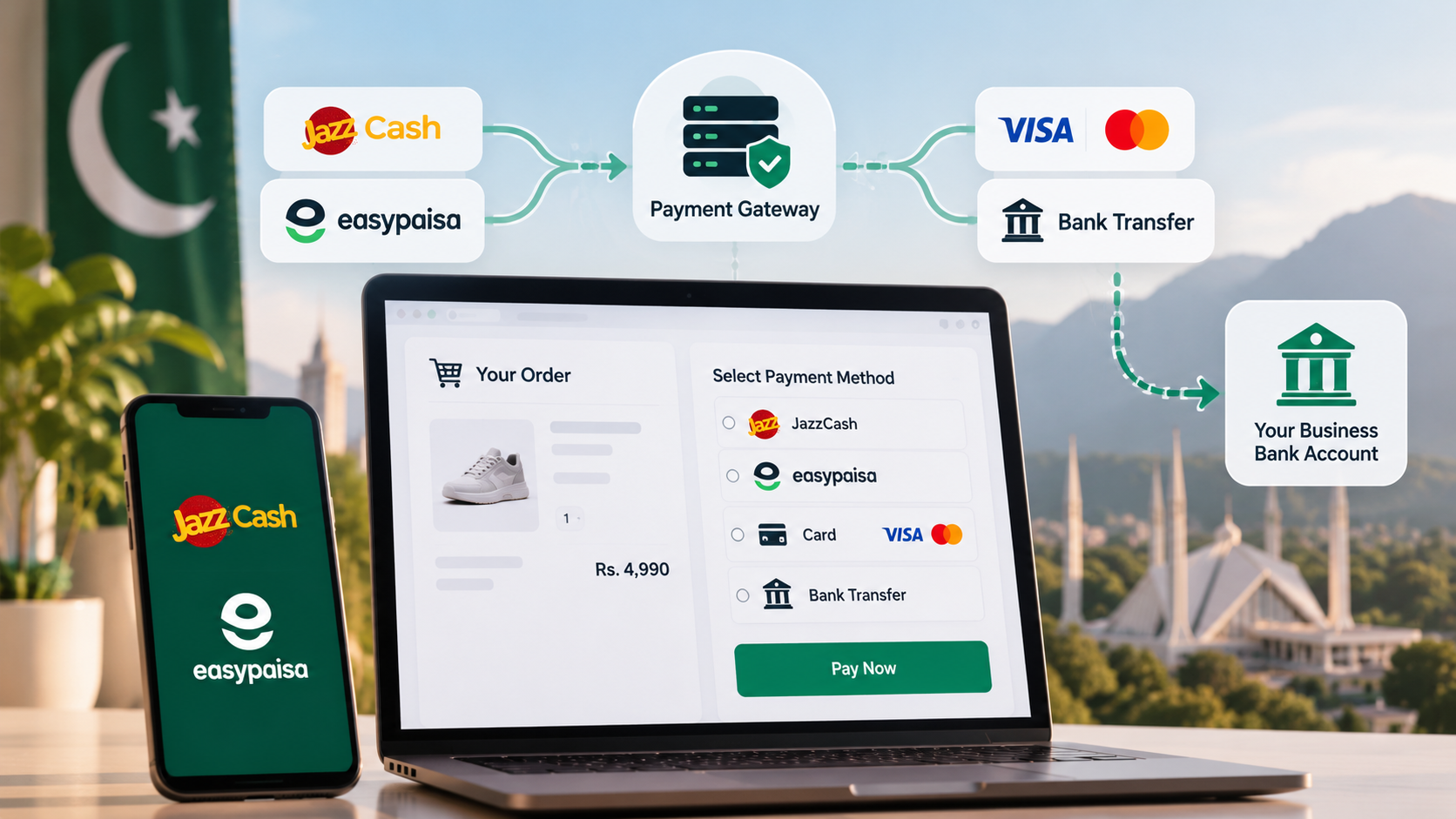
- Online payments. Let customers pay invoices by JazzCash, Easypaisa or card from inside the portal. Our guide on payment gateway integration in Pakistan covers the setup, fees and approvals.
- Knowledge base or FAQ. Answers to the questions that don't need a person.
- AI chatbot inside the portal. It can answer "where's my order?" from live data and hand over to a human when needed. See our WhatsApp and AI chatbot services.
- Bilingual interface. Urdu and English labels for Pakistani customers, and Arabic with right-to-left layout if you serve Qatar or the wider Gulf.
- Mobile-first design. Most of your customers will open the portal on a phone. It should feel like an app without needing a Play Store download.
Behind the scenes
- Admin panel for your team to manage customers, approve requests and update content.
- CRM or ERP sync so the portal shows the same data your team works with. If you already run an ERP or CRM, the portal should read from it, not duplicate it. See our ERP and CRM software work.
- Audit log recording who viewed, downloaded or changed what, and when.
Customer portal security: what can go wrong
The biggest risk in any customer portal is one customer seeing another customer's data. It happens when the system shows a record without checking who is asking. Every record request must be checked against the logged-in user, every single time.
This isn't a rare edge case. In OWASP's 2025 list of web application risks, broken access control is still the number one category, the same place it held in 2021.
We saw exactly this on a real project. A certification company in the Gulf issued thousands of safety certificates, and each certificate could be opened by its number: 10001, 10002, 10003. Change one digit in the link, and you saw someone else's name, photo and employer.
Bots had found it. The company's own server logs showed 9,746 scraper requests and 1.8 GB of data pulled in a single week. Real certificates were being copied and sold to people who never earned them.
When we rebuilt the platform, we fixed it at the root:
- Every record now checks who is asking before it answers.
- Guessable certificate numbers were replaced with QR verification that carries a hidden random code, so employers can confirm a certificate without being able to browse the database.
- Permanent links became short-lived tokens.
- Traffic now passes through bot filtering and CAPTCHA before reaching the server.
Successful external attacks went to zero. You can read the full story in our Certification Business Platform case study.
Five security must-haves for any customer portal
- Authorisation on every record, not just on the login page.
- Random, non-guessable IDs in links instead of 1, 2, 3.
- OTP or two-factor login, plus rate limits on login attempts.
- HTTPS everywhere and encrypted storage for documents and files.
- An audit log so you can see who opened or downloaded what.
Ask any developer you talk to how they handle point one. If the answer is vague, keep looking.
How much does customer portal development cost?
In Pakistan, a basic customer portal typically costs PKR 250,000 to PKR 600,000, and a portal with online payments and integrations usually starts around PKR 600,000. A full portal takes about 3 to 6 months. The number of user roles and integrations decides where you land.
|
Portal level |
What it usually includes |
Typical range (PKR) |
Typical timeline |
|---|---|---|---|
|
Basic customer portal |
Login, order or job status, invoices and documents, support requests, admin panel |
250,000 to 600,000 |
3 to 6 months |
|
Portal with payments and integrations |
Everything above, plus JazzCash/Easypaisa/card payments, courier or accounting sync, notifications |
600,000 and up |
3 to 6 months |
|
Multi-tenant or SaaS portal |
Separate accounts per business, subscriptions and billing, onboarding |
Quoted after discovery |
3 to 6 months for a first release |
These ranges match the market bands in our full guide to web app development cost in Pakistan, which also covers hosting, maintenance and the monthly bills that start after launch. Treat them as a sanity check, not a quote.
If you're in Qatar or elsewhere in the Gulf, the same scope drivers apply. [CONFIRM: QAR range or "we quote in QAR after a discovery call"]
Four things move the price the most:
- User roles. Customer, customer's staff, your support team, your finance team. Each role needs its own screens and rules.
- Integrations. Payments, courier APIs, your accounting software, CRM or ERP. Each one is a small project of its own.
- Data migration. Moving years of customer records from Excel or an old system takes cleaning and checking.
- Design. A ready UI kit is quick. Fully custom branding in two languages takes longer.
A smaller phase one with login, order tracking and invoices can go live before the full portal. That's usually the smartest way to start.
Build vs buy: ready-made portal software or custom?
Buy ready-made portal software when you need one simple job, like ticketing or file sharing, for a small team. Build a custom portal when customers must see live data from your own system, when your process doesn't fit a template, or when per-user fees keep growing every year.
|
Ready-made portal software |
Custom customer portal |
|
|---|---|---|
|
Best for |
Help desks, file sharing, small teams |
Portals tied to your own orders, jobs or certificates |
|
Speed to start |
Days |
Weeks to months |
|
Cost pattern |
Monthly fee, often per user and in USD |
One-time build plus yearly maintenance |
|
Fits your process |
You adapt to the tool |
The tool adapts to you |
|
Live data from your system |
Only through paid connectors, if at all |
Built in |
|
Local payments and Urdu UI |
Rarely |
Yes, if you ask for it |
|
Who owns it |
The vendor |
You, including the source code |
Here's a quick check. A tool at USD 15 per user a month costs USD 3,600 a year for 20 users, every year, billed in dollars. One of our clients, a 20-person agency, replaced client portals plus Slack, Zoom and ClickUp, about USD 1,500 a month of tools, with one platform we built for them.
That doesn't mean custom always wins. If a ready-made tool fits and you use most of it, keep paying for it. We walk through the full decision in custom software vs off-the-shelf.
Customer portal examples
The best customer portal examples solve one painful daily task first, then grow. Here are three portals Lumen has built, plus a few your customers already use without thinking of them as "portals".
1. Certificate verification portal (certification company, KSA)
For EUTC Global, an HSE training and certification company in Al Khobar, the customer-facing side is verification. An employer scans the QR code on a certificate and instantly sees whether it's genuine, without ever seeing anyone else's record. Behind it sits one platform running exams, sales, finance and dispatch, with more than 30,000 legacy records migrated across.
What it replaced: guessable certificate links, phone calls asking "is this certificate real?" and a database that bots were scraping.
2. Client portal inside an agency platform
Agency OS was built for a 20-person agency that was paying for Slack, Zoom, cloud storage, team monitoring, separate client portals and ClickUp. Now clients, staff and managers work in one system across web, mobile and desktop. Clients see their own projects and files; the team sees everything they're assigned.
What it replaced: about USD 1,500 a month of separate tools, and the copy-pasting between them.
3. Multi-tenant account portal
Bizro is an ERP turned into a SaaS product. Many independent businesses run on one deployment, and each one sees only its own books. It includes a plan and billing console, a ten-minute setup and an Android app on the same login. This is the most complex type of portal: every query has to know which business is asking.
What it shows: the per-customer data separation from the security section, done at the scale of whole companies.
Portals your customers already use
- Utility bill pages, where you enter a reference number and download your latest bill.
- Internet banking, where you see balances, statements and transfer money.
- Courier tracking, where a booking number shows exactly where a parcel is.
Your customers already know how this works. They're simply waiting for you to offer the same thing.
How customer portal development works
Customer portal development works in five stages: discover the real process, design the screens and data, build in weekly working slices, launch with data migration and training, then measure and improve. You should see working software every week, not a status report at the end.
- Discover. Map what customers ask you today: the WhatsApp questions, the Excel sheets, the documents you re-send. Bring real examples. They're the best specification you have.
- Design. Agree the screens, user roles and data model before any code is written. This is where you decide what goes in phase one and what waits.
- Build. Develop in small working releases so you can test with real users early. Login, tracking and invoices usually come first.
- Launch. Test permissions and payments properly, migrate existing customer records, and train your team on the admin panel.
- Optimise. Watch which features customers actually use and which questions still arrive on WhatsApp. Then improve.
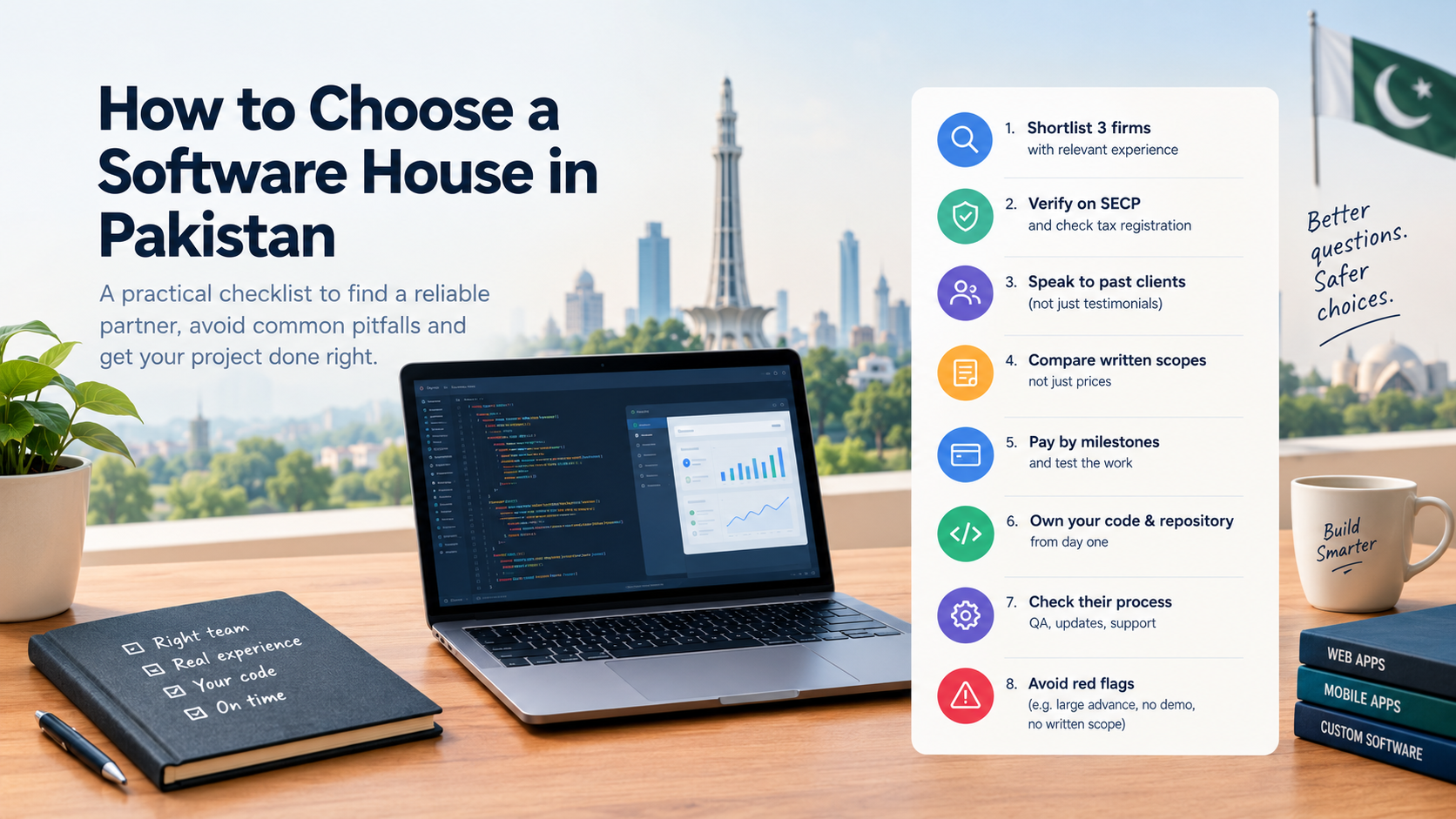
For the full idea-to-launch walkthrough, read our step-by-step guide to building a web app. And before you sign with anyone, our checklist on how to choose a software house in Pakistan covers the questions to ask.
Frequently asked questions
What is customer portal development?
Customer portal development is the process of designing and building a secure login area where customers manage their own orders, invoices, documents and support requests. It connects to your existing systems, so customers see live information instead of asking your team for it.
How much does it cost to build a customer portal in Pakistan?
A basic customer portal in Pakistan typically costs PKR 250,000 to PKR 600,000. Portals with online payments, courier or accounting integrations usually start around PKR 600,000. User roles, integrations and data migration decide the final price, so get a fixed quote after a discovery session.
How long does customer portal development take?
A full customer portal usually takes 3 to 6 months. You don't have to wait for all of it. A smaller first phase, such as login, order tracking and invoices, can go live earlier while the rest is built in weekly releases.
What is the difference between a customer portal and a client portal?
They use the same technology. A customer portal is self-service for many buyers, built around orders, invoices and support. A client portal is a shared workspace for each ongoing client, built around files, approvals and project progress. Many businesses combine both.
Can a customer portal connect to my CRM or ERP?
Yes, and it should. When the portal reads from your CRM or ERP, customers see the same order status and balances your team sees. Without that link, someone ends up copying data by hand, which is the problem you were trying to solve.
Is a customer portal secure enough for personal data?
Only if every record checks who is asking before it is shown. Add random non-guessable IDs, OTP or two-factor login, encrypted file storage and an audit log. Ask your developer to explain exactly how one customer is stopped from opening another customer's data.
Customer portal banwane ka kharcha kitna hai?
Pakistan mein ek basic customer portal ka kharcha aam tor par PKR 250,000 se PKR 600,000 hota hai. Agar online payments aur courier ya accounting integrations chahiye, to PKR 600,000 se shuru hota hai. Final price user roles, integrations aur data migration par depend karti hai.
Build a customer portal your customers will actually use
Start with the questions your customers ask you every day. Send us those WhatsApp messages, the Excel sheets and the documents you keep re-sending. Lumen AI will come back with a scope, a timeline and one fixed price before you commit to anything, and the source code is yours at handover.
We build for businesses in Pakistan and the Gulf from our offices in Rahim Yar Khan and Doha. See how we work on our custom web app development page, or talk to our team.