How to Choose Inventory Management Software in Pakistan
7 min read
On this page
- What does inventory management software do?
- When does a business need inventory software?
- Which inventory management features matter most?
- What should Pakistani businesses check before choosing software?
- Is free inventory management software enough?
- What is the difference between inventory software, POS, and ERP?
- How should you compare inventory systems?
- Conclusion
- Frequently asked questions
- What is the best inventory management software for a small business in Pakistan?
- Can I use free inventory management software for my shop?
- Can inventory software connect with a POS system?
- Do I need an ERP system to manage inventory?
- What should I do before moving stock records from Excel?
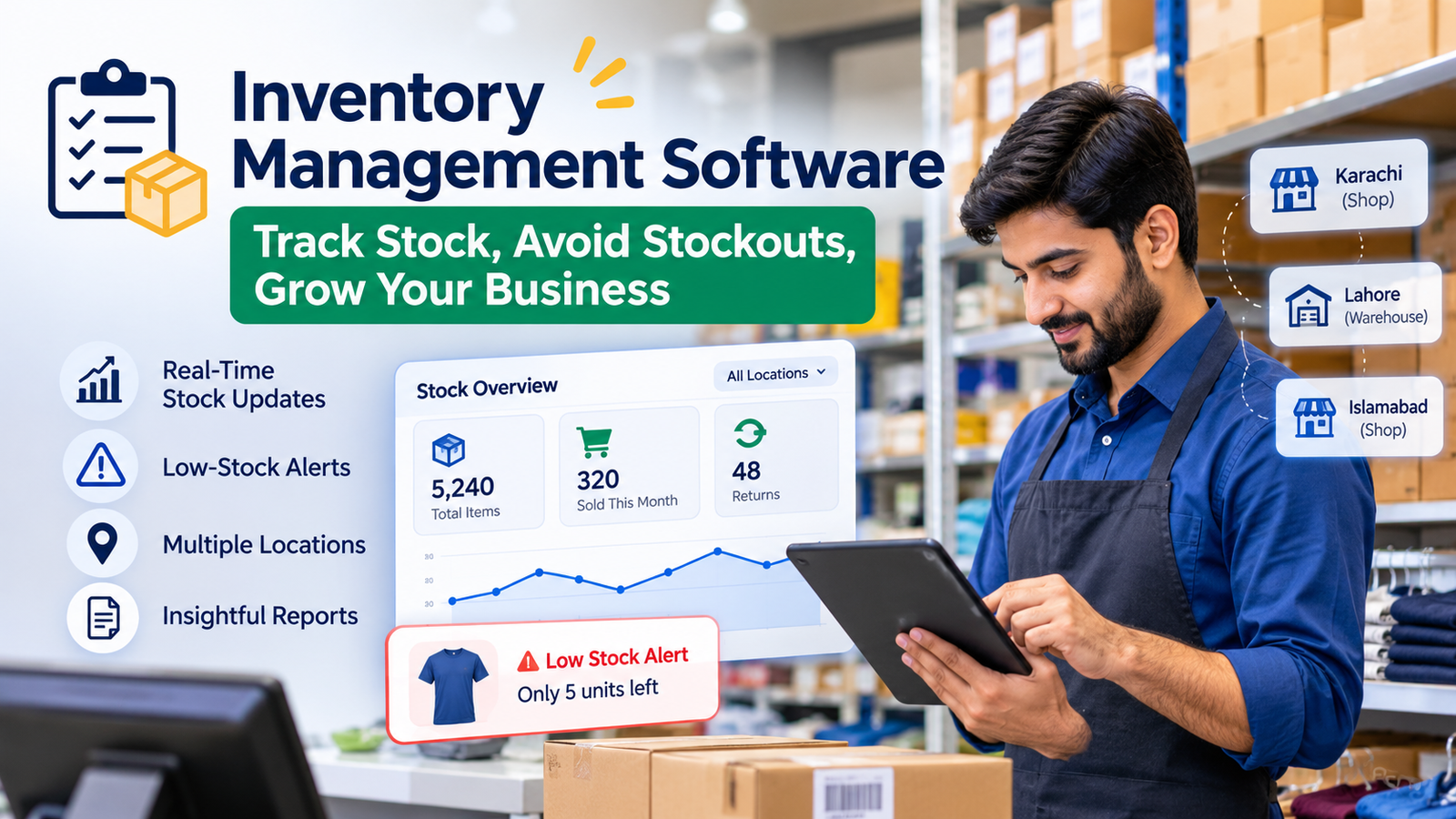
Inventory management software helps you track what stock you have, where it is, and how it moves. It gives your team a shared record of purchases, sales, returns, and transfers, so you can make decisions using current figures instead of yesterday’s spreadsheet.
For a single shop, a focused inventory tool may be enough. If stock also needs to connect with purchasing, sales, accounts, and multiple branches, an ERP system for Pakistani businesses may be a better fit.
Think of a customer asking for an item that your register says is available. Staff search the shelves and storeroom, but it is nowhere to be found. At the same time, other products are taking up space because no one realised how slowly they sell. These are the everyday problems a reliable stock process should help you spot and resolve.
What does inventory management software do?
It records stock as it comes into your business, moves between locations, and goes out through sales or other adjustments. Your team can then check quantities and stock history without relying on a manual count for every question.
For example, a clothing shop receives 100 shirts, sells 12, and accepts two returns. When each transaction is recorded correctly, the system shows the updated quantity. If some shirts are at another branch, it can show that location separately.
The record also helps you see which items need reordering and which are sitting unsold. Pakistan’s Small and Medium Enterprises Development Authority (SMEDA) identifies stockouts, overstocking, and recordkeeping as key inventory challenges for SMEs. Source: SMEDA inventory management guide.
When does a business need inventory software?
You likely need it when your team can no longer trust or easily update its stock records. A spreadsheet may work for a small product range managed by one person. It becomes harder to maintain when several staff members handle purchases, sales, and returns.
Common signs include:
- Staff count items before they can confirm an order.
- Popular products run out before anyone reorders them.
- Sales records and physical stock regularly disagree.
- Purchases, returns, and damaged goods are tracked in different places.
- You cannot see stock separately for each shop or warehouse.
- Slow-moving products are discovered only during a stock count.
Software still depends on accurate starting quantities and consistent staff use. Its advantage is that each stock movement has a place to be recorded and checked.
Which inventory management features matter most?
Choose features that match the way your business buys, stores, and sells products. A retailer may prioritise barcode scanning and POS integration. A distributor may need purchase orders and transfers between warehouses.
| Feature | What to check |
|---|---|
| Product variants and units | Can you track sizes, colours, pieces, packs, or cartons correctly? |
| Purchases and sales | Does each recorded transaction update the relevant stock quantity? |
| Low-stock alerts | Can staff see which items need reordering? |
| Returns and adjustments | Can you record returned, damaged, or missing goods clearly? |
| Multiple locations | Can you view and transfer stock by shop or warehouse? |
| User permissions | Can staff access the tasks they need without changing sensitive settings? |
| Reports and export | Can you review stock movement and take a copy of your data? |
Some businesses need additional controls. A pharmacy or food business may need batch and expiry tracking. A clothing shop may need accurate size and colour variants. Ask a provider to show these workflows using your products, rather than relying only on a feature list.
What should Pakistani businesses check before choosing software?
Check whether the software fits your daily sales process, staff, connectivity, and budget. A system can have many features and still be awkward to use at your counter or warehouse.
If you offer credit sales (udhaar), ask how the sale and outstanding customer balance are recorded. If you use a POS counter, check whether a completed sale updates inventory. If your internet connection is unreliable, find out exactly what staff can do while offline and how records sync later.
Also ask:
- Is the full price clear in PKR, including setup, extra users, and upgrades?
- Can your team learn the system using familiar terms?
- Can you import your current product list and opening stock?
- Can you export your records if you change systems?
- What support is available when a billing or stock issue interrupts work?
If you need a specific invoicing or tax integration, request a demonstration of that feature and confirm that it meets your current requirements.
Is free inventory management software enough?
Free inventory management software can be enough for a small operation with simple stock needs. It can help a single shop replace a manual register and start recording purchases and sales consistently.
Before choosing a free plan, check its limits. “Free” may mean a permanent basic plan or a short trial. The number of products, users, locations, reports, or available support may also be restricted.
Ask five questions:
- Can the free plan handle all your products and daily transactions?
- Does it include purchases, sales, and returns?
- Are backups available?
- Can you export your full data?
- What will it cost when you need another user, location, or feature?
A free tool is a good starting point when it covers the work you do today and offers a practical way to grow.
What is the difference between inventory software, POS, and ERP?
Inventory software tracks stock, POS handles sales at the counter, and ERP connects stock with wider business operations. These systems can work together, and some products include more than one function.
A shop might only need its POS sales to update inventory. A distributor with several locations may also need purchasing, warehouse operations, invoicing, and accounts to use the same records.
Consider an order placed with a distributor: the sales team checks availability, the warehouse prepares the goods, and accounts creates the invoice. When each team maintains separate records, someone must reconcile them. An [integrated ERP system](/services/erp-system-pakistan) can be worth evaluating when that coordination becomes a regular challenge.
How should you compare inventory systems?
Test your real workflow in each system before comparing prices. A polished demonstration is less useful than seeing how the software handles your everyday transactions.
Start by writing down what happens when an item is purchased, received, sold, returned, damaged, or transferred. Then ask each provider to walk through those steps with examples from your business.
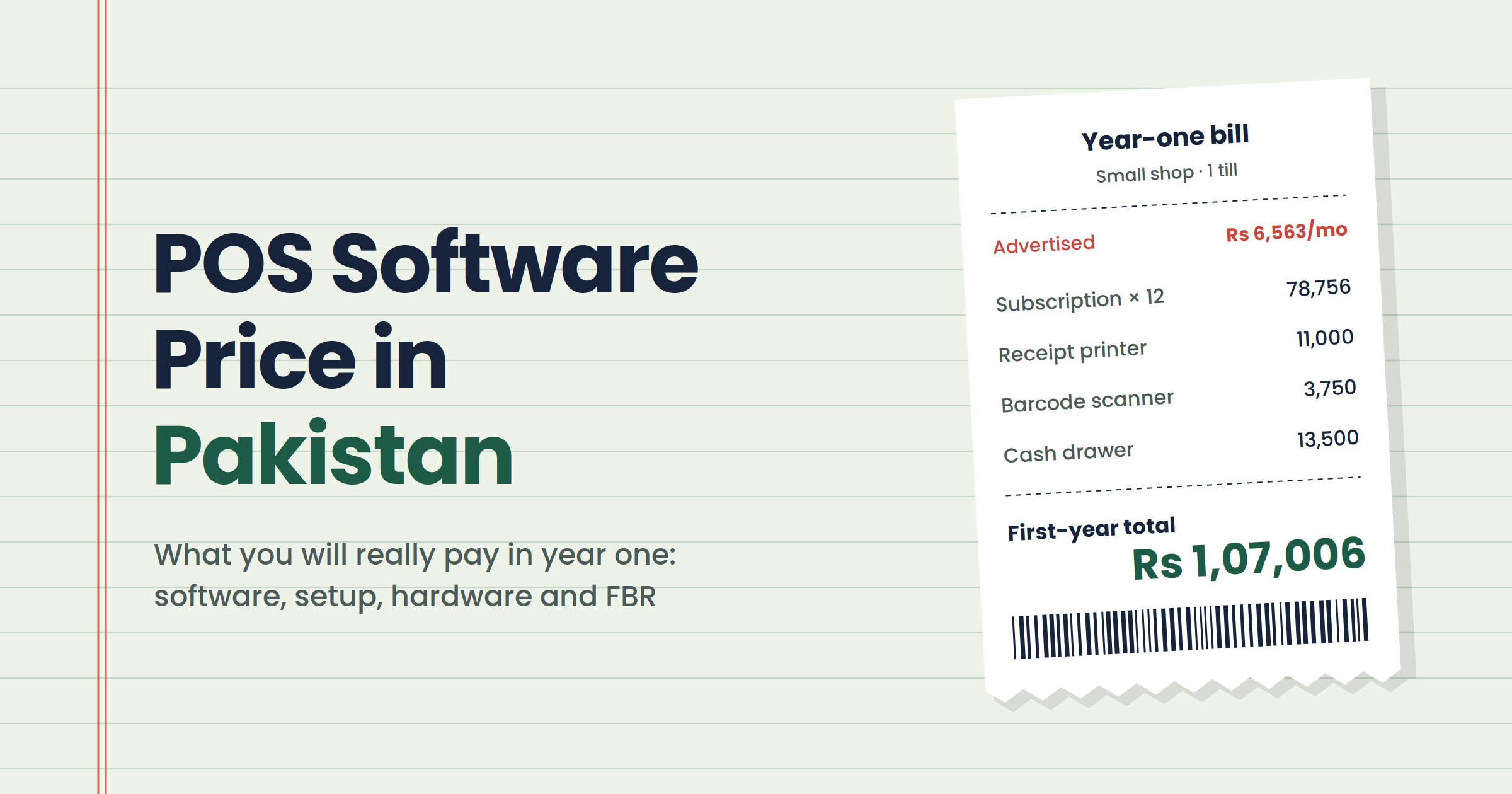
During the trial or demonstration, check whether staff can complete the tasks comfortably and whether the resulting stock figures make sense. Ask who will prepare your product data, enter opening balances, and train the team. Finally, compare the full cost of setup, subscriptions, devices, support, and likely upgrades.
Conclusion
The right inventory management software gives your business a stock record your team can use and trust. Start with the transactions you handle every day, then choose a system that records them clearly and gives you the reports you need.
A simple inventory or POS tool may suit one shop. If you manage several teams, locations, or connected processes, explore an [ERP system for Pakistani businesses](/services/erp-system-pakistan) to see whether bringing those operations together would save time and reduce recordkeeping errors.
Frequently asked questions
What is the best inventory management software for a small business in Pakistan?
It is the system that handles your actual products, sales, returns, and reporting needs within your budget. Test those tasks before choosing a provider.
Can I use free inventory management software for my shop?
Yes, if the free plan covers your daily work. Check product and user limits, backups, data export, and upgrade costs first.
Can inventory software connect with a POS system?
Yes, many systems connect the two so recorded sales update stock. Ask the provider to demonstrate sales, cancelled bills, and returns.
Do I need an ERP system to manage inventory?
No. A dedicated inventory tool may be enough for a simple operation. ERP becomes more useful when inventory needs to connect with purchasing, accounting, sales, or multiple locations.
What should I do before moving stock records from Excel?
Clean your product list and confirm your opening quantities. Keep a copy of the original file, then check imported items and stock figures before your team begins using the new system.