ERP for Multi-Branch Businesses in Pakistan: Features, Cost & Implementation
13 min read

On this page
- When Does a Business Need ERP for Multiple Branches?
- What Problems Does Multi-Branch ERP Solve?
- How Does ERP Connect Head Office and Branches?
- How Does Multi-Branch ERP Manage Inventory?
- How Does ERP Handle Accounting Across Multiple Branches?
- Can Multi-Branch ERP Show Which Branch Is More Profitable?
- What Features Should Multi-Branch ERP Software Have?
- Multi-Branch ERP vs Separate Software for Each Branch
- Ready-Made ERP vs Configured ERP vs Custom ERP
- How Much Does Multi-Branch ERP Cost in Pakistan?
- How to Implement ERP Across Multiple Branches
- What Should You Check Before Choosing ERP for a Multi-Branch Business in Pakistan?
- Common Multi-Branch ERP Mistakes
- FAQs
- Conclusion: A Practical Decision Framework
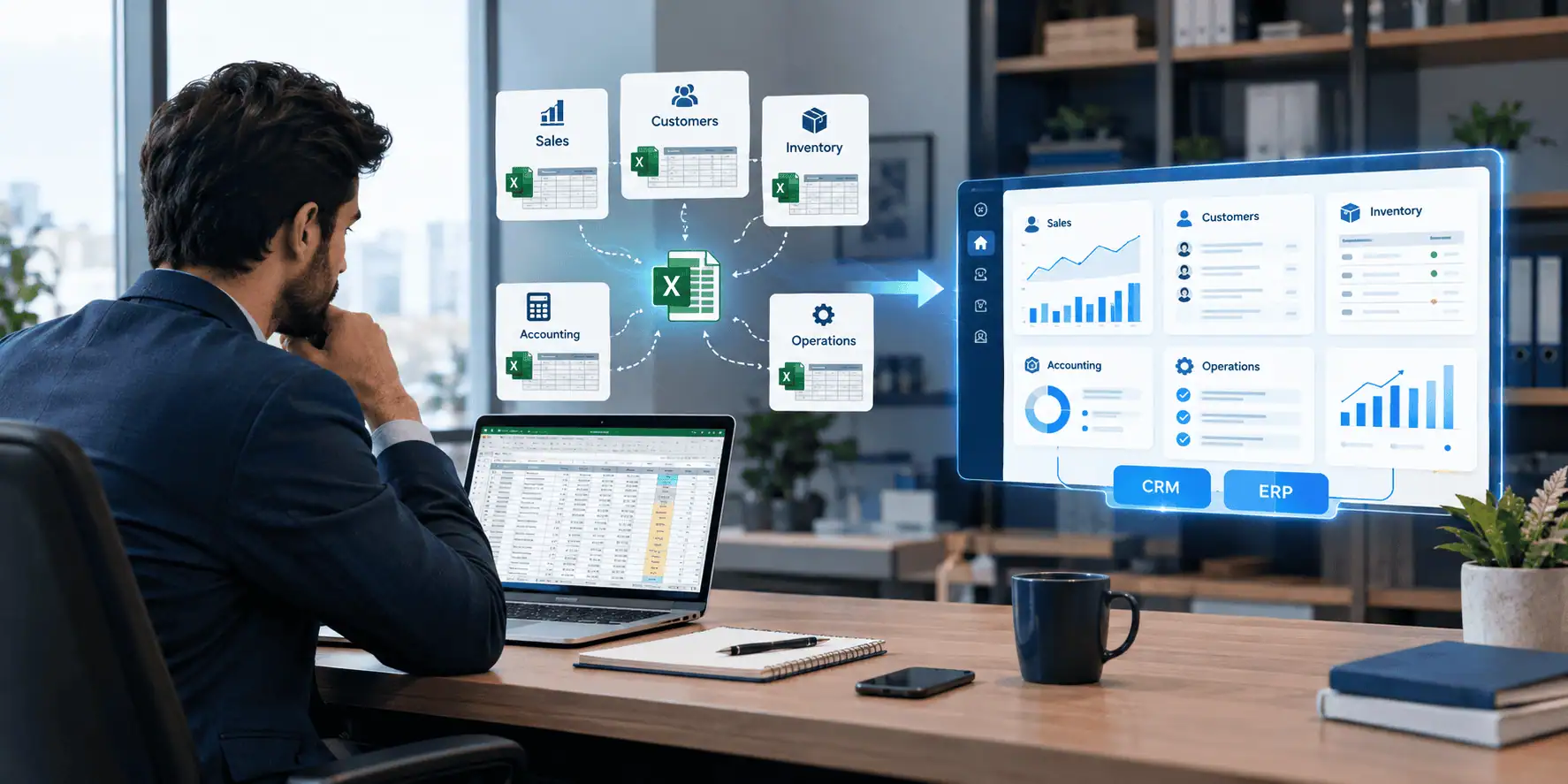
A business with several branches often runs on several sets of records. One branch keeps Excel sheets, another uses a POS, and the head office relies on a separate accounting package. Each tool works on its own, but nobody can see the whole business in one place.
The problem is not the number of branches. It is that management may lack one reliable view of sales, inventory, purchasing, expenses, cash, customers, branch performance and overall profitability. Reports arrive late, numbers need manual reconciliation, and decisions rest on the last consolidated sheet someone had time to prepare.
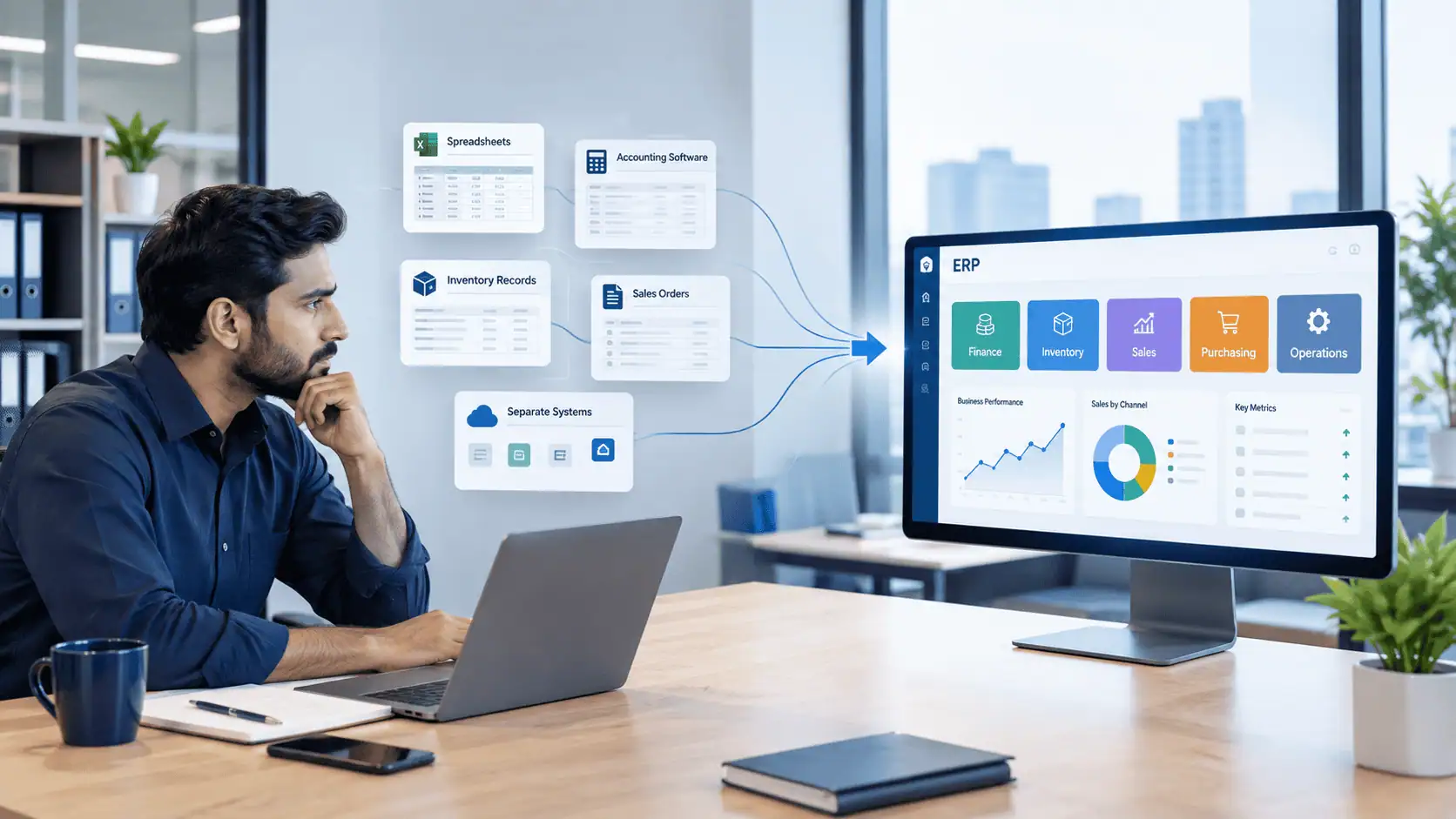
A multi-branch ERP connects the key business processes across locations, so management can see branch-level and consolidated information from one system. It does not fix weak processes on its own. But for ERP for multi branch business Pakistan decisions, the real question is whether your current tools can still manage the complexity you have.
When Does a Business Need ERP for Multiple Branches?
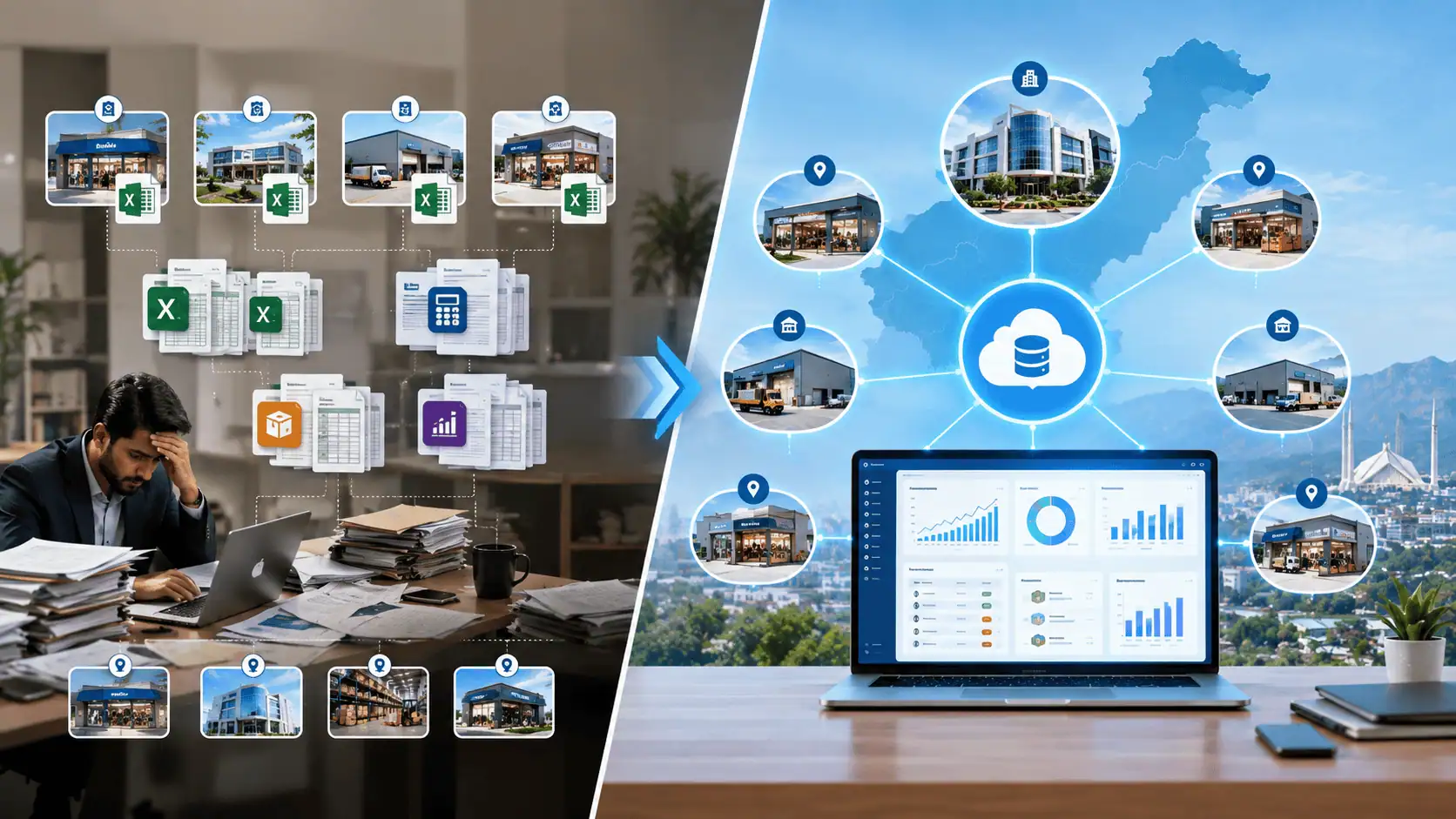
A business should consider multi-branch ERP when separate branch records, inventory, accounting and reporting are creating delays, duplicate work or unreliable information. The number of branches matters less than the complexity of managing them.
A business with two branches may need ERP if stock, reporting and accounts have become hard to control. A business with more locations may manage well on simpler tools if its processes are straightforward and its data is reliable. Practical triggers include:
- Branch data is maintained separately.
- Head office waits for branch reports before it can act.
- Nobody can see stock across locations.
- Stock transfers are handled by phone calls or messages.
- Branch accounts need manual reconciliation.
- Branches are hard to compare fairly.
- Purchasing is duplicated across locations.
- Branches follow different processes for the same task.
- User access needs tighter control.
- Opening a new branch adds significant administrative work.
If several of these describe your business, it is worth evaluating a connected system. Owners planning expansion can also read our guide to ERP software for growing businesses to judge timing.
What Problems Does Multi-Branch ERP Solve?
Multi-branch ERP addresses problems caused by disconnected records, provided the underlying processes are sound. It replaces scattered data with shared data and defined workflows.
- Separate branch records: Branches work in one shared system with branch-level separation.
- Duplicate data entry: Products, customers and suppliers are created once and used everywhere.
- Poor inventory visibility: Stock is recorded by branch or warehouse and visible centrally.
- Manual stock transfers: Transfers become recorded transactions instead of informal messages.
- Delayed reporting: Reports draw on live transactions rather than end-of-week files.
- Difficult branch comparison: All branches are measured on the same data structure.
- Separate accounting records: Transactions post to one accounting structure, tagged by branch.
- Unclear customer information: Customer history is held in one place, not per branch.
- Weak access controls: Roles limit what each user can see and change.
- Manual consolidation: Head office reads consolidated reports instead of merging files.
An ERP will not clean up inconsistent pricing rules or unclear responsibilities. Those need to be settled first.
How Does ERP Connect Head Office and Branches?
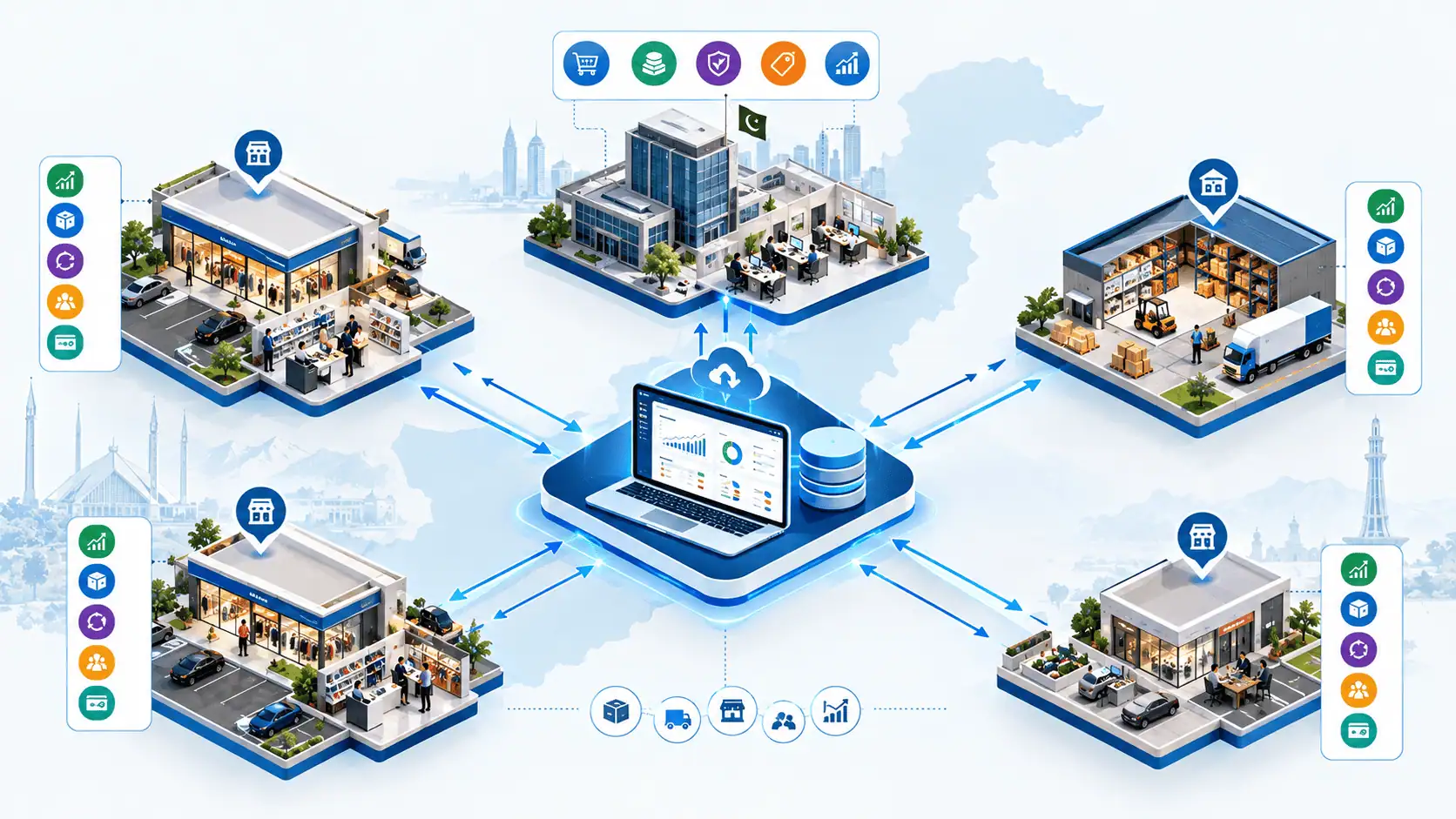
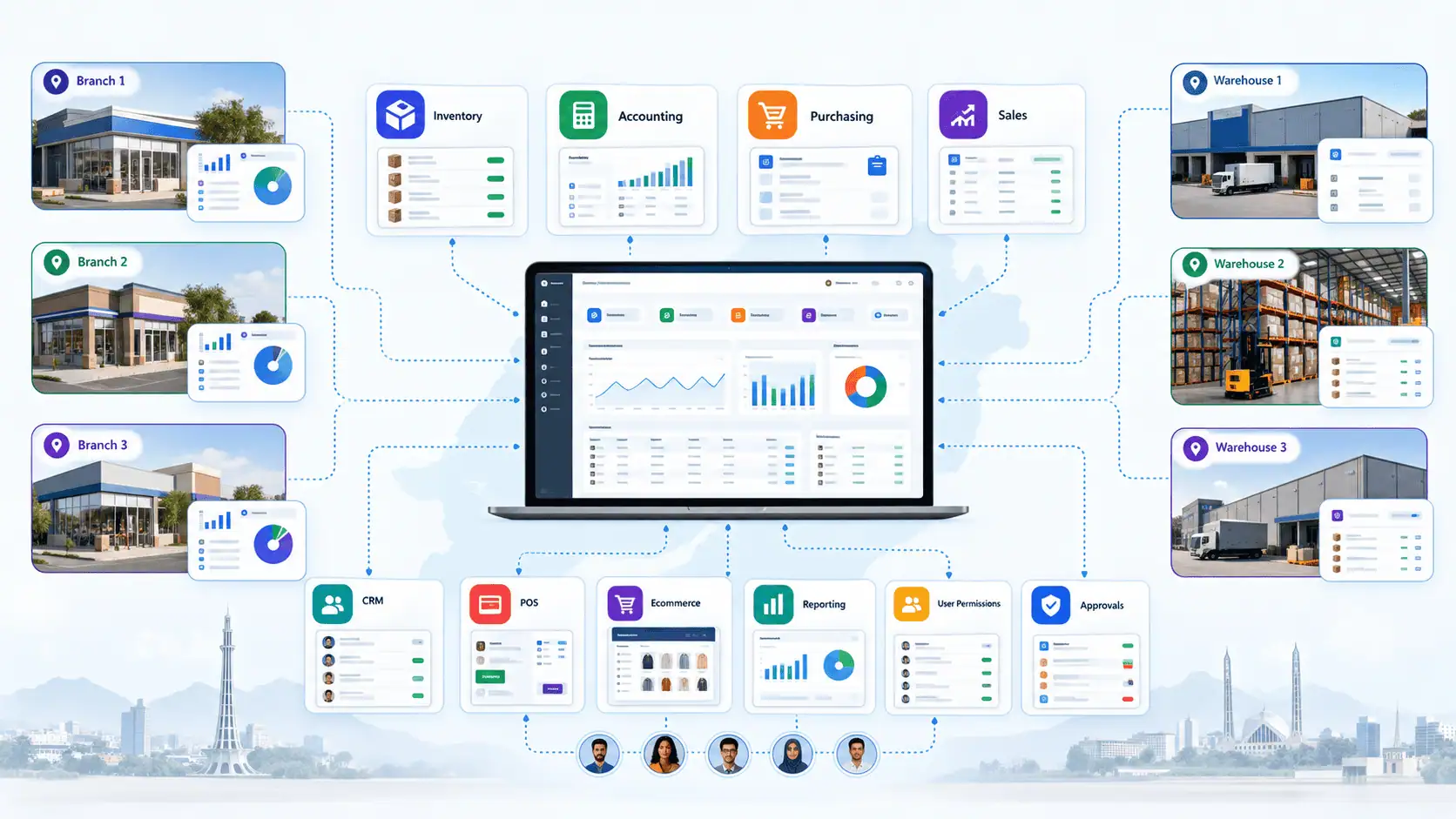
ERP gives head office central control and visibility while letting branches carry out their own daily operations in the same system. Everyone works on shared data, with different permissions.
Head office typically handles:
- Central purchasing
- Finance
- Approvals
- Pricing and policies
- Consolidated reporting
- User permissions
Branches typically handle:
- Sales
- Stock receiving
- Returns
- Daily expenses
- Customer handling
- Cash transactions
- Local operations
For example, head office sets the price list and approves large purchases, while a branch manager records receipts, sales and petty cash. Because everything lands in one system, head office sees branch activity without waiting for a report. The exact split depends on how your business is organised, and a good implementation reflects that rather than forcing a standard model.
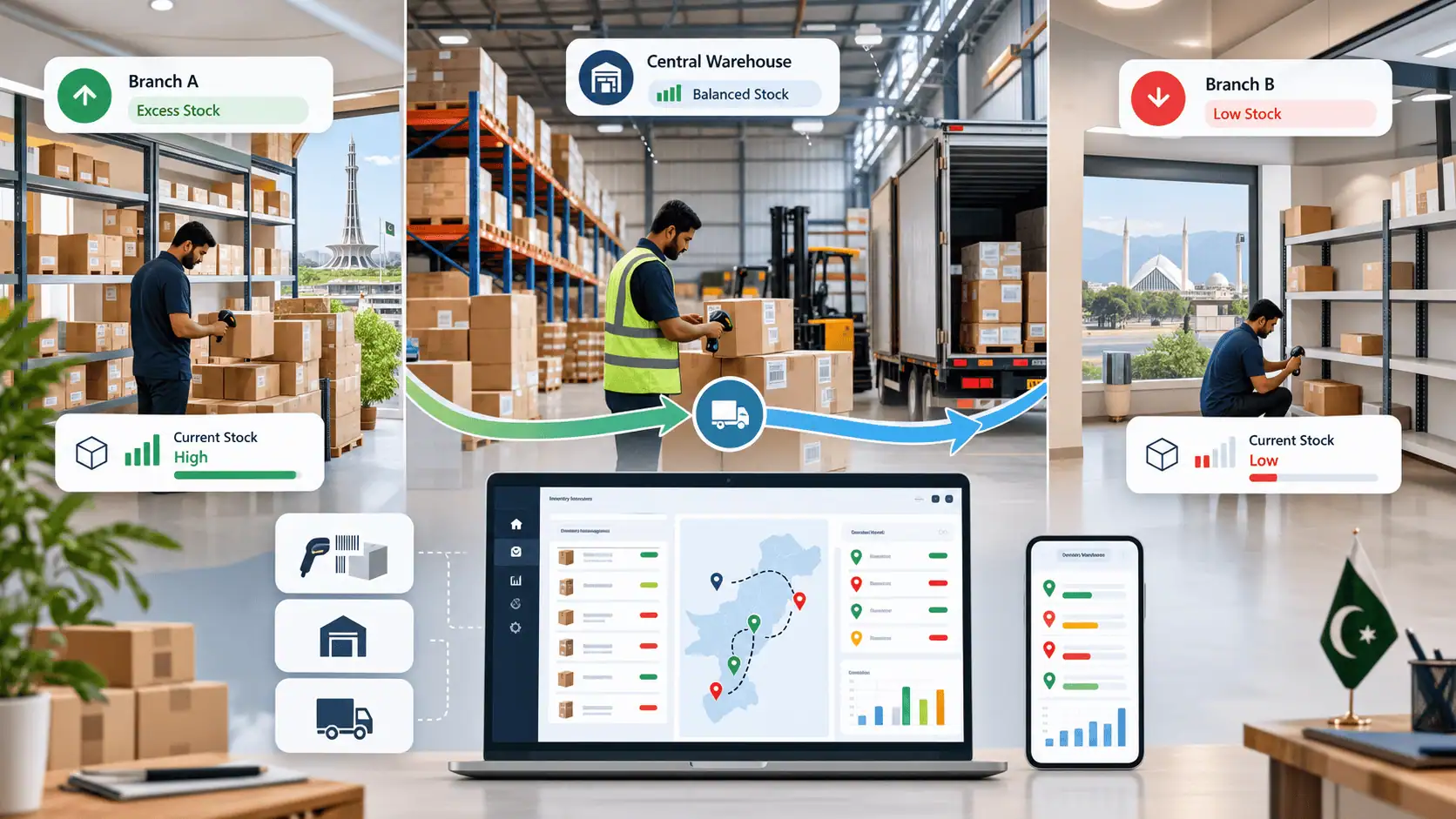
How Does Multi-Branch ERP Manage Inventory?
Multi-branch ERP can maintain inventory records by branch or warehouse and record stock movements between locations, giving management a centralized view of available stock. Capabilities vary between platforms, so confirm how a specific system handles each item below.
Typical inventory functions include:
- Branch-level stock and a central warehouse, or multiple warehouses
- Goods receiving against purchase orders
- Returns to suppliers and from customers
- Stock adjustments with a recorded reason
- Reorder levels
- Inventory valuation
- Stock visibility across locations
A practical example: Branch A has excess stock while Branch B is running low. Instead of checking spreadsheets or calling staff manually, the transfer can be recorded as an inventory transaction, so the movement from one location to another is traceable. Head office can see what left, what is in transit and what was received.
Not every ERP handles transfers in exactly the same way. Some use a simple two-step process, others add approvals or in-transit locations, so test your real scenarios during selection.
How Does ERP Handle Accounting Across Multiple Branches?
ERP can record sales, expenses, invoices, receivables, payables and cash against each branch, then report either per location or for the business as a whole.
- Branch-level reporting shows the financial activity of one location: its sales, expenses, receivables and cash.
- Consolidated reporting shows the business as a whole, combining all branches into one view.
Both depend on how the chart of accounts, branch tagging and cost centres are set up. A poor setup produces poor reports regardless of software. Any tax or regulatory requirements should be reviewed with your accountant and confirmed against the specific system, since this article does not make compliance claims.
Can Multi-Branch ERP Show Which Branch Is More Profitable?
Yes, it can, if the system and accounting setup are configured to capture the right data. Comparing branches takes more than looking at revenue, because a high-selling branch can still be less profitable.
Useful measures include:
- Sales
- Cost of goods sold
- Gross margin
- Operating expenses
- Inventory held
- Returns
- Receivables
- Other branch-specific costs
Not every ERP calculates every one of these automatically. The exact reports depend on configuration, and shared costs such as head office salaries need an agreed allocation rule. Decide how you want to measure branches before setting up the system.
What Features Should Multi-Branch ERP Software Have?
Prioritise features that solve your actual control problems, not the longest feature list. In order of importance for most multi-branch businesses:
Core operations
- Branch-wise sales and purchasing: Shows who sold and bought what, and stops duplicated buying.
- Centralized inventory with multiple warehouses: Removes the guesswork about available stock.
- Inter-branch stock transfers: Makes movement traceable.
- Accounting: Keeps financial records in the same system as operations.
Control and visibility
- Consolidated and branch profitability reporting: Lets management compare locations fairly.
- User roles and permissions: Prevents staff from seeing or changing what they should not.
- Approval workflows: Puts oversight on purchases, discounts and adjustments.
- Audit trails: Records who changed what and when.
- Dashboards: Gives owners a quick view without opening full reports.
Integrations
- POS integration: Avoids re-entering counter sales.
- Ecommerce integration: Keeps online and branch stock aligned.
- CRM integration: Connects customer history with sales and service.
Multi-Branch ERP vs Separate Software for Each Branch
Centralized ERP gives better visibility and control, while separate tools are simpler and cheaper to start with. Neither is universally better.
| Area | Separate software per branch | Multi-branch ERP |
|---|---|---|
| Reporting | Manual consolidation | Consolidated and branch-wise reports |
| Inventory visibility | Per branch only | Across locations |
| Stock transfers | Informal or manual | Recorded transactions |
| Accounting | Separate records to reconcile | One structure tagged by branch |
| Customer data | Fragmented | Shared customer records |
| User permissions | Depends on each tool | Role-based, central control |
| Management visibility | Delayed | Near real time |
| Expansion | Each new branch adds setup work | New branches added to existing system |
| Data duplication | High | Lower, with master data ownership |
The trade-offs: ERP needs more upfront planning, training and cost, and it makes branches depend on one shared system. If your operations are simple, separate tools may be enough.
Ready-Made ERP vs Configured ERP vs Custom ERP
The right approach depends on how standard your processes are. Custom development is not automatically the best option.
Ready-made ERP suits businesses with relatively standard processes, where the needed modules already exist, little customization is required and fast deployment matters.
Configured ERP suits businesses where a proven platform covers most requirements but specific workflows, permissions or reports must be adapted using existing modules.
Custom ERP suits businesses with genuinely unique processes, workflows that existing systems cannot reasonably support, complex integrations, or processes that are themselves a competitive advantage.
LumenAI evaluates whether an existing platform such as Odoo, Zoho or HubSpot can cover the requirement before recommending custom development. If a proven platform handles most needs, configuring it can be more sensible than building from scratch. Custom work is worth considering only when the requirements justify it. You can read more about our ERP and CRM solutions for multi-branch businesses in Pakistan, including implementation, integration, migration and support. Platform capabilities should always be verified against your own requirements.
How Much Does Multi-Branch ERP Cost in Pakistan?
There is no single price for multi-branch ERP because the total cost depends on branches, users, modules, integrations, customization, migration and implementation requirements. Anyone quoting one figure without understanding your setup is guessing.
The main cost drivers are:
- Number of branches and users
- ERP modules required
- Inventory complexity
- Accounting requirements
- POS and ecommerce integration
- Custom development
- Data migration
- Training
- Hosting
- Third-party integrations
- Support and maintenance
It also helps to separate the types of cost:
- Subscription or license: the recurring or one-time cost of the software.
- Implementation: setup, configuration and planning.
- Customization: extra development beyond standard features.
- Migration: cleaning and moving existing data.
- Training: preparing branch and head office staff.
- Ongoing support: fixes, updates and changes after launch.
For a broader view of budgeting, see our guide to ERP software cost in Pakistan. Ask every vendor for a scoped quotation that itemises these categories.

How to Implement ERP Across Multiple Branches
Implement in stages, starting with process mapping and ending with a controlled rollout and support. Skipping early steps usually causes problems later.
- Requirements analysis: define what must be controlled and reported.
- Branch and process mapping: document how each branch actually works.
- ERP or platform selection: choose based on your requirements.
- Module planning: decide what goes live first.
- Configuration or development: set up the system.
- Master data cleanup: fix products, customers, suppliers and opening balances.
- Data migration: move cleaned data with validation checks.
- User roles and permissions: define who can do what.
- Pilot implementation: launch in one branch.
- Testing: test transactions, transfers, reports and permissions.
- Staff training: train users on their real tasks.
- Branch rollout: expand in planned phases.
- Post-launch support: resolve issues and refine reports.
A pilot branch reduces risk because problems appear in one location, not everywhere. Validate migrated data against existing records, and prepare a rollback plan so operations can continue if something goes wrong.
What Should You Check Before Choosing ERP for a Multi-Branch Business in Pakistan?
Check that the system fits your branch workflows, reporting needs and operating environment, not just its feature list. Confirm each of these:
- Branch-level inventory, multiple warehouses and stock transfers
- Consolidated and branch-wise reporting
- Accounting fit for your business
- User permissions and audit trails
- CRM, ecommerce and POS integration
- Data migration approach
- Training and support arrangements
- Scalability as branches grow
- Backup and security practices
- Cloud or self-hosted options, depending on your requirements
- Local operational and tax requirements, reviewed with your accountant and confirmed with the vendor
Common Multi-Branch ERP Mistakes
Most failures come from planning and adoption, not from the software itself.
- Choosing software before mapping processes: you cannot judge fit without knowing your workflows.
- Selecting by feature count: more features do not mean a better fit.
- Ignoring branch-level workflows: branches may work differently in valid ways.
- Migrating duplicate or inaccurate data: errors move into the new system.
- Giving users excessive permissions: this weakens control.
- Not defining master data ownership: nobody is accountable for product and customer records.
- Customizing everything: it raises cost and complicates upgrades.
- Underestimating training: staff revert to old habits.
- Launching all branches at once: problems then affect the whole business.
- Ignoring integrations: existing POS, ecommerce or accounting tools still need to connect.
FAQs
What is multi-branch ERP software?
It is business software that connects sales, inventory, purchasing, accounting and reporting across several locations, so management can see each branch and the business as a whole.
When does a business need ERP for multiple branches?
When managing branches separately causes delays, duplicate work or unreliable information. Complexity matters more than branch count.
Can ERP manage inventory across multiple branches?
Yes. It can hold stock by branch or warehouse and record transfers between them, though the exact workflow varies by system.
Can ERP track branch-wise profit?
Yes, if the accounting and reporting are configured for it. This usually needs agreed rules for allocating shared costs.
Can branches share the same inventory system?
Yes. Branches can work in one system while keeping their own stock records, subject to permissions.
Can ERP manage multiple warehouses?
Yes, most ERP platforms support multiple warehouses, but you should confirm the specific features you need.
How much does multi-branch ERP cost in Pakistan?
It depends on scope, branches, users, modules, integrations, customization and migration, so there is no single price. A scoped quotation is the reliable way to get a figure.
Should I use one ERP for all branches?
Often yes if you need shared visibility and control, but simple operations may work well with separate tools.
Is custom ERP better for multi-branch businesses?
Not by default. Custom development makes sense when requirements genuinely cannot be met by an existing platform.
Can ERP integrate with POS and ecommerce?
Yes, integration is commonly possible, but the method and effort depend on the systems involved.
How long does multi-branch ERP implementation take?
It depends on scope, data quality, integrations and the number of branches. A defined plan with a pilot gives a realistic timeline.
Can ERP provide branch-wise and consolidated reports?
Yes, when the system and accounting structure are set up for it.
Conclusion: A Practical Decision Framework
Consider ERP for multi branch business Pakistan projects when managing branches separately is causing problems with inventory, reporting, accounting, purchasing, customer data or operational control. If your current tools handle these reliably, there may be no urgent need.
If they do not, the right solution may be a ready-made ERP, a configured ERP or a custom ERP. The correct choice depends on your processes, integrations, scale and operational requirements. Start by mapping how your branches actually work, then evaluate options against that map.