Most teams lose hours every week to work that follows the same pattern every time: copying data between apps, routing approvals, tagging tickets, chasing updates. AI workflow automation removes that drag. This guide explains what AI workflow automation is, how it differs from older automation, where it pays off, what it costs, and how to roll it out without breaking your operations.
AI workflow automation is the use of artificial intelligence to run multi-step business processes with little or no manual input. Unlike fixed rule-based tools, it reads unstructured information, makes context-aware decisions, and improves as it handles more work. That single difference is why it can take on tasks older automation never could.
What is AI workflow automation?
AI workflow automation is a method of running business processes where AI models handle the steps that need judgment, while connected apps handle the steps that need data movement. It combines automation (the plumbing between your tools) with intelligence (the ability to read, decide, and adapt).
A traditional automation follows fixed instructions: if this happens, do that. AI workflow automation goes further. It can read a messy email, work out what the customer wants, pull the right record, draft a reply, and route anything unusual to a human. The process still runs end to end, but the decision points are now handled by AI instead of rigid rules.
Three capabilities separate it from older tools. It processes unstructured data such as PDFs, images, and free text. It interprets context rather than matching exact triggers. And it learns from outcomes, so accuracy climbs over time.
Why AI workflow automation matters now
The case for AI workflow automation is no longer theoretical, and the data shows a clear gap between firms that adopt it well and those that do not. Manual, repetitive work is a measurable drain: in a Smartsheet survey, nearly 60% of workers said they could save six or more hours a week, almost a full workday, if the repetitive parts of their jobs were automated.
The bigger lesson comes from how value actually shows up. McKinsey’s 2025 State of AI report found that while 88% of organizations now use AI regularly, only about 6% see significant enterprise-level financial impact from it. The factor most strongly tied to real impact was not the tool itself but fundamental workflow redesign. In other words, the firms winning with AI are not bolting it onto old processes. They are rebuilding the process around it.
This is the practical takeaway for any business: automation pays off when you redesign the workflow, not when you simply add an AI step to a broken one. It also sits inside a wider shift the industry calls hyperautomation, where companies systematically automate as many processes as they responsibly can.
AI workflow automation vs traditional automation vs AI agents
These three terms get mixed up constantly. The table below sets them apart so you can pick the right approach for each process.
| Criteria | Traditional automation | AI workflow automation | AI agents |
|---|---|---|---|
| How it decides | Fixed if-then rules | AI reads context and decides per case | AI plans its own steps toward a goal |
| Handles unstructured data | No | Yes | Yes |
| Adapts to new situations | No, breaks on edge cases | Yes, within a defined workflow | Yes, can re-plan dynamically |
| Human oversight | Set up once, runs blindly | Human-in-the-loop on exceptions | Guardrails and approvals needed |
| Best for | Repetitive, predictable tasks | Processes with judgment and variation | Open-ended, multi-system goals |
| Example | Move form entries to a spreadsheet | Triage and route support tickets by intent | Research a lead, draft outreach, log it |
Most businesses start with AI workflow automation because it sits in the sweet spot: smarter than rule-based tools, more contained and predictable than fully autonomous agents. For a deeper breakdown, see how AI agents differ from traditional automation.
How does AI workflow automation work?
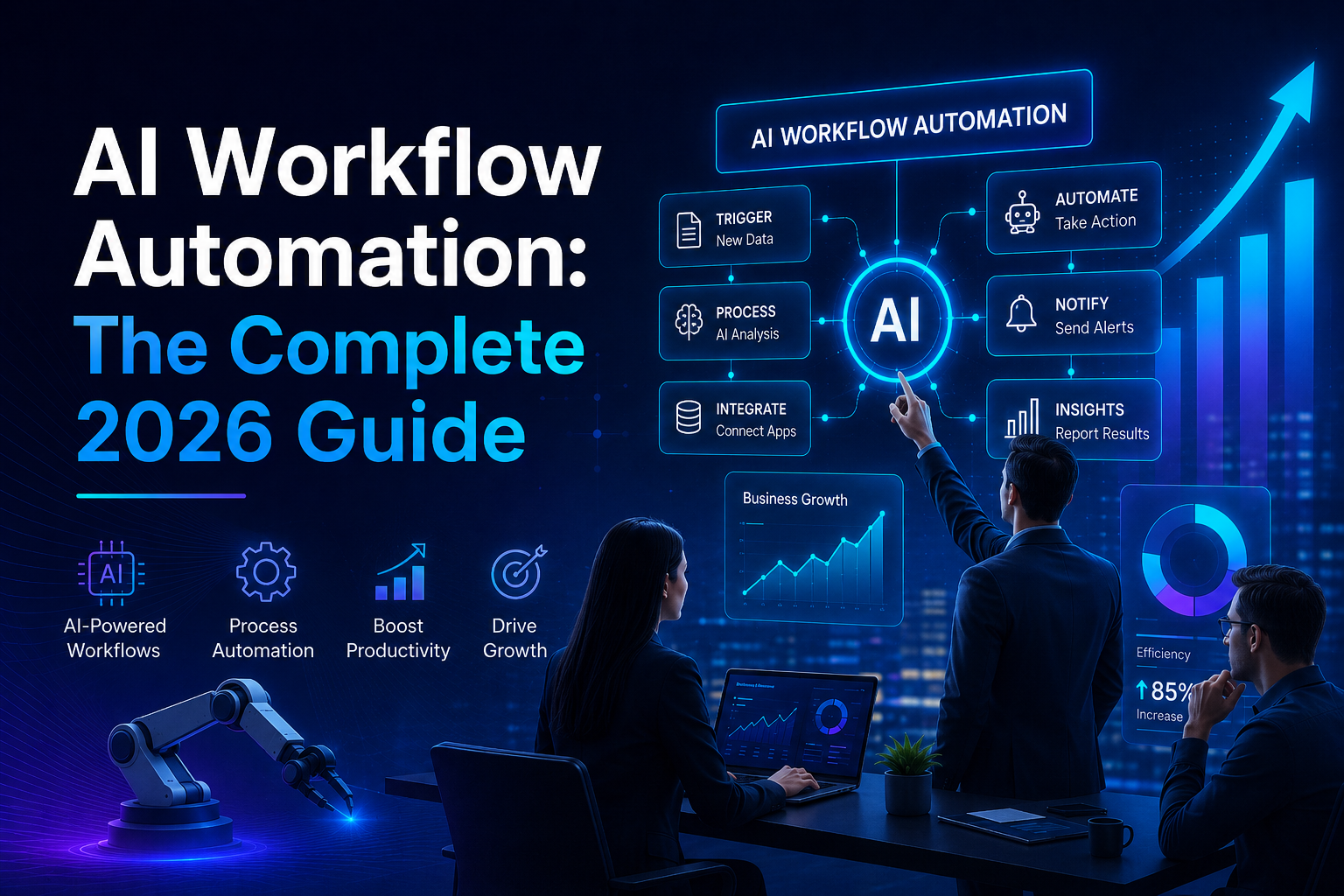
AI workflow automation works by chaining triggers, AI decision steps, and actions across your connected apps into one running process. A trigger starts the flow, AI interprets the data, and actions push the result to wherever it needs to go.
Here is the typical sequence:
- Trigger. An event starts the workflow: a new email arrives, a form is submitted, a record changes.
- Data capture. The system pulls in the relevant data, including unstructured content like attachments or message text.
- AI processing. An AI model reads the input, classifies it, extracts key fields, or drafts a response based on the context.
- Decision routing. The workflow branches based on the AI’s output. Clear cases proceed automatically; ambiguous ones route to a person.
- Action. The system updates a CRM, sends a message, creates a task, or triggers the next workflow.
- Feedback. Outcomes are logged so the process can be measured and the AI step refined over time.
The platforms that run these workflows connect your existing tools, so you rarely need custom code. If you want to compare the leading options, we compare the leading automation platforms in a dedicated breakdown.
Real-world use cases by department
AI workflow automation applies anywhere repetitive, decision-heavy work slows a team down. Below are proven applications across common business functions.
Customer support. Incoming tickets are read, classified by topic and urgency, and routed to the right agent or answered directly for common questions. This cuts response times sharply and keeps a person on the genuinely tricky cases.
Sales and lead generation. New leads are enriched with company data, scored, and routed to the right rep with a drafted first message ready to review. A lead that once sat in an inbox overnight gets a response in minutes.
Operations and onboarding. When a new client or employee joins, the system provisions accounts, sends documents, and updates every connected system. See our walkthrough on how to automate customer onboarding.
Finance. Invoices and receipts are read, matched to purchase orders, flagged for exceptions, and queued for approval without manual data entry.
Marketing. Content briefs, campaign reports, and routine social scheduling run on set triggers, freeing the team for strategy.
Smaller teams see the fastest payback because they have the least slack to absorb manual work. Our guide to AI automation for small businesses covers low-cost starting points.
Benefits of AI workflow automation
The core benefit of AI workflow automation is reclaimed time on high-value work, but the gains compound across speed, accuracy, and cost. The measurable benefits include:
- Time saved. Routine multi-step tasks run in seconds instead of hours.
- Fewer errors. Removing manual data entry removes the typos and missed steps that come with it.
- Faster response. Customers and leads get answers in minutes, not next business day.
- Lower cost per task. The same headcount handles far more volume.
- Scalability. Volume spikes no longer require proportional hiring.
- Better data. Every step is logged, giving you a clean view of how work actually flows.
The catch, as McKinsey’s data makes clear, is that these benefits arrive only when the workflow is genuinely redesigned. Adding an AI step to a process nobody understands tends to automate the confusion rather than remove it.
Where you should NOT automate
Automation is not always the right answer, and knowing the limits saves money and trust. Avoid automating processes that are rare, highly sensitive, or still changing week to week.
Skip automation when a process runs only a few times a year, since the setup cost outweighs the saving. Be cautious with decisions that carry legal, safety, or reputational weight, where a person should stay accountable. And hold off on automating a process that is still being defined, because you would only be hard-coding a broken way of working. Fix the process first, then automate it.
How much does AI workflow automation cost?
AI workflow automation costs far less than most teams expect, with entry-level setups starting in the low tens of dollars per month. Cost depends on three things: the platform subscription, the volume of tasks you run, and whether you build it yourself or hire help.
| Cost component | Typical range | Notes |
|---|---|---|
| Automation platform | $20 to $100+ per month | Scales with task volume and features |
| AI model usage | Usage-based, often a few cents per task | Varies by model and complexity |
| Setup (DIY) | Your time | Steeper learning curve, no cash cost |
| Setup (agency or consultant) | One-time project fee | Faster, built to standard, supported |
For a single workflow, a small business can often start for under $50 a month. The bigger cost is usually the design and testing time, which is where working with a specialist pays back quickly. Lumen’s workflow automation service handles the build so your team keeps running while it is set up.
How to implement AI workflow automation: a step-by-step plan
Implementing AI workflow automation works best when you start small, prove value, then expand. Begin with one painful, repetitive process rather than trying to automate everything at once.
- Map one process. Write down every step of a single workflow as it runs today, including the decision points.
- Find the bottleneck. Identify where time is lost or errors creep in. That is your automation target.
- Pick the right tool. Choose a platform that connects to your existing apps. Match it to your technical comfort level.
- Build and test on real data. Run the workflow against past examples before it touches live work.
- Add a human checkpoint. Route uncertain cases to a person until you trust the accuracy.
- Measure the result. Track time saved and error rate against the old way.
- Expand. Once one workflow is stable, apply the same pattern to the next. Our list of processes worth automating first is a good place to choose.
Common mistakes to avoid
Most failed automation projects fail for the same handful of reasons, and all of them are avoidable. Knowing them ahead of time keeps your first project on track.
The most common mistake is automating a broken process instead of fixing it first. The second is trying to automate everything at once, which spreads effort thin and makes problems hard to trace. Teams also tend to skip testing on real data, so edge cases only surface once live work is affected. Removing the human checkpoint too early is another frequent error, as is choosing a tool that does not connect to the apps the business already runs on. Start narrow, test hard, and keep a person in the loop until the numbers earn your trust.
What to look for in an AI workflow automation tool
The best AI workflow automation tool is the one that connects to the apps you already use and matches your team’s technical skill. Beyond that, a few features separate strong platforms from weak ones.
Look for a wide library of app integrations, so your existing tools connect without custom work. Check that it supports human-in-the-loop steps for approvals. Confirm it can call modern AI models for the decision steps. And review its security and compliance posture, especially if you handle customer data. We break down the trade-offs in our comparison of the leading automation platforms.
Where AI workflow automation is heading
AI workflow automation is steadily moving toward more autonomous AI agents that handle multi-step goals with less hand-holding. McKinsey’s 2025 data shows this shift already underway, with roughly a quarter of enterprises starting to scale AI agents in at least one function.
For most businesses, the smart path is not to leap straight to fully autonomous agents. It is to get comfortable with contained, well-measured AI workflows first, then extend toward agents where the payoff is clear and the guardrails are solid. The teams that build that foundation now will adopt the next wave far more easily than those still running manual processes.
Frequently asked questions
What is AI workflow automation in simple terms?
AI workflow automation uses artificial intelligence to run multi-step business tasks on its own. It reads information, decides what to do based on context, and takes action across your apps. Unlike older automation that only follows fixed rules, it handles messy inputs and unusual cases, routing anything it is unsure about to a person for review.
Is AI workflow automation only for large companies?
No. Small and mid-sized businesses often gain the most because they have the least capacity to absorb manual work. Many workflows can be automated for under $50 a month using no-code platforms. The key is to start with one high-friction process rather than trying to automate the entire business at once.
What is the difference between automation and AI automation?
Traditional automation follows fixed if-then rules and breaks when something unexpected happens. AI automation reads context, handles unstructured data like emails and PDFs, makes judgment-based decisions, and improves over time. In short, traditional automation moves data, while AI automation interprets it and decides what to do with it.
How long does it take to set up an AI workflow?
A single, well-defined workflow can often be built and tested within a few days. More complex processes that span several systems take longer, usually a few weeks including testing. Starting with one process and expanding from there keeps timelines short and lets you prove the value before scaling.
Do I need coding skills to automate workflows with AI?
Not for most workflows. Modern no-code and low-code platforms let you build automations visually by connecting apps and AI steps. Coding knowledge helps for advanced, custom logic, but the majority of business processes can be automated without writing any code or with help from a specialist.
Is AI workflow automation safe for sensitive data?
It can be, with the right setup. Choose platforms with strong security certifications, keep a human checkpoint on sensitive decisions, and limit what data each workflow can access. Avoid fully automating decisions that carry legal or safety weight. Used this way, automation often improves data handling by reducing manual exposure.
Start automating the right way
AI workflow automation is one of the fastest ways to give your team back time and cut errors, as long as you start with the right process and build it carefully. Begin with one workflow, redesign it rather than just bolting AI on, prove the result, and expand from there.
If you want it built to standard without pulling your team off their work, book a free automation call with Lumen. We will map your highest-friction process and show you exactly what automating it would save.